




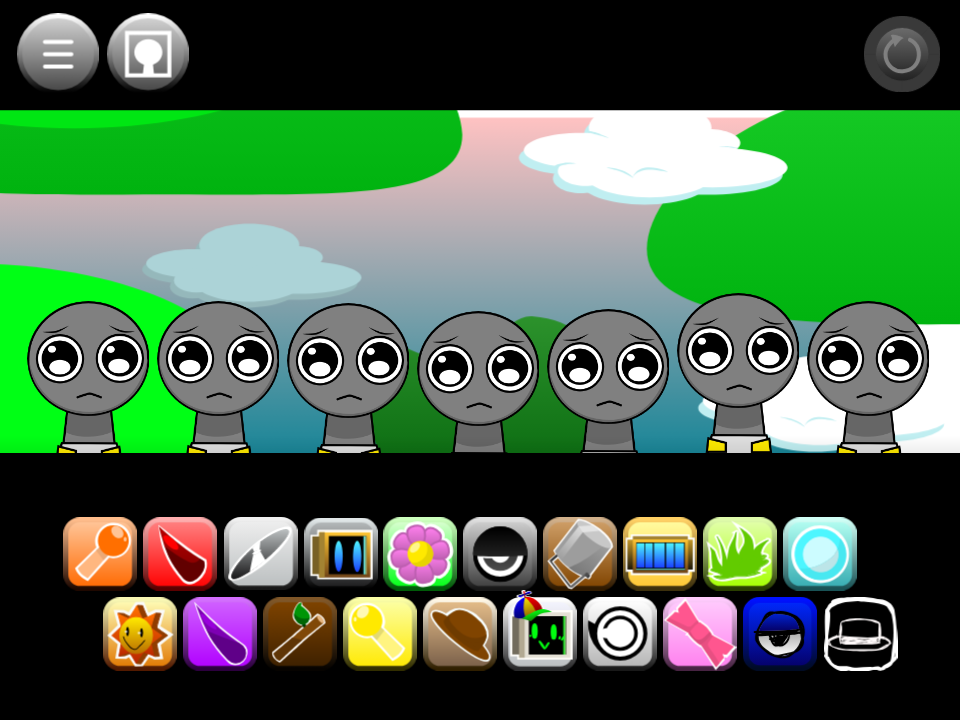
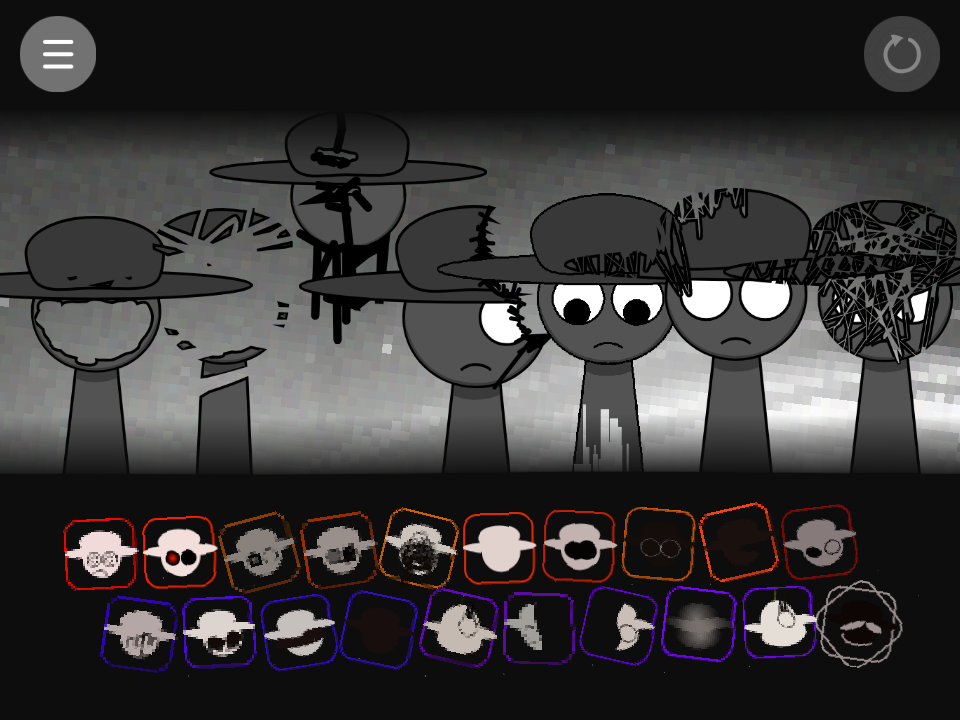
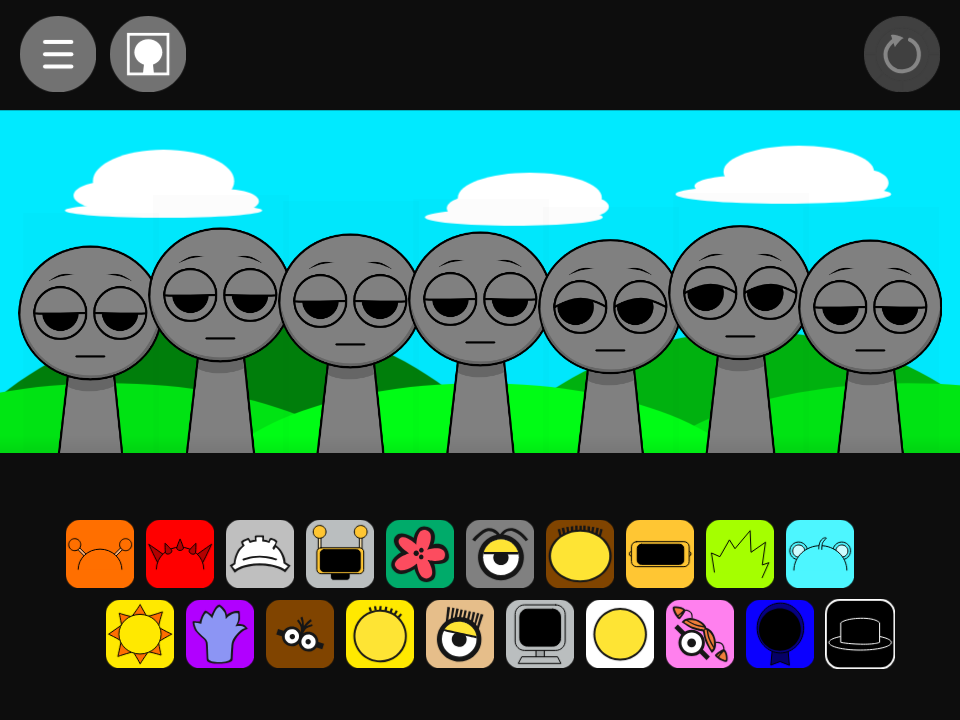
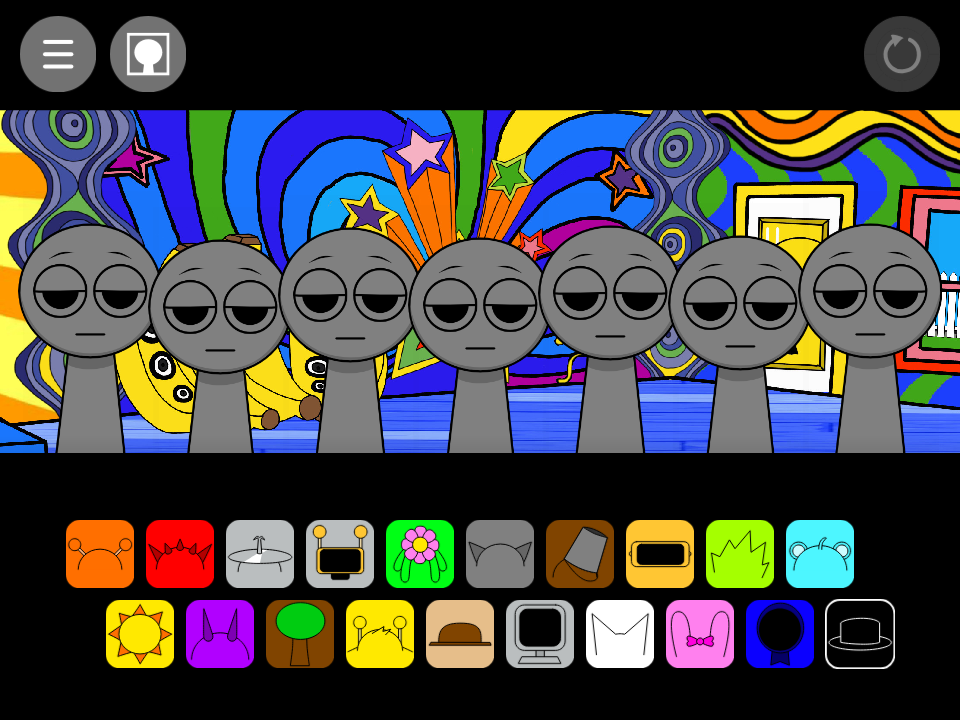
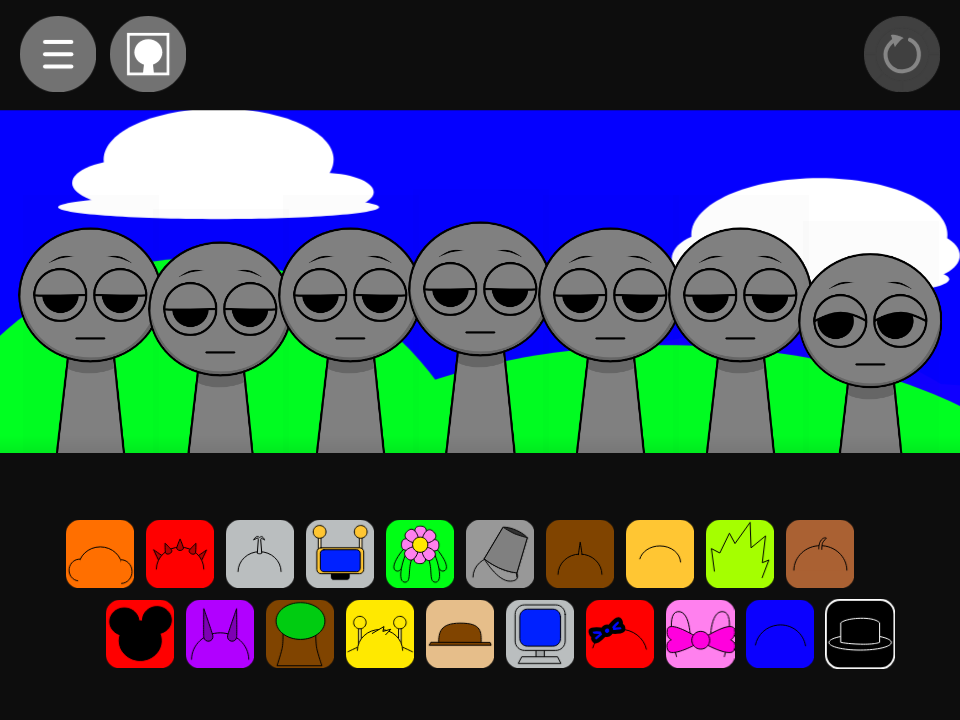
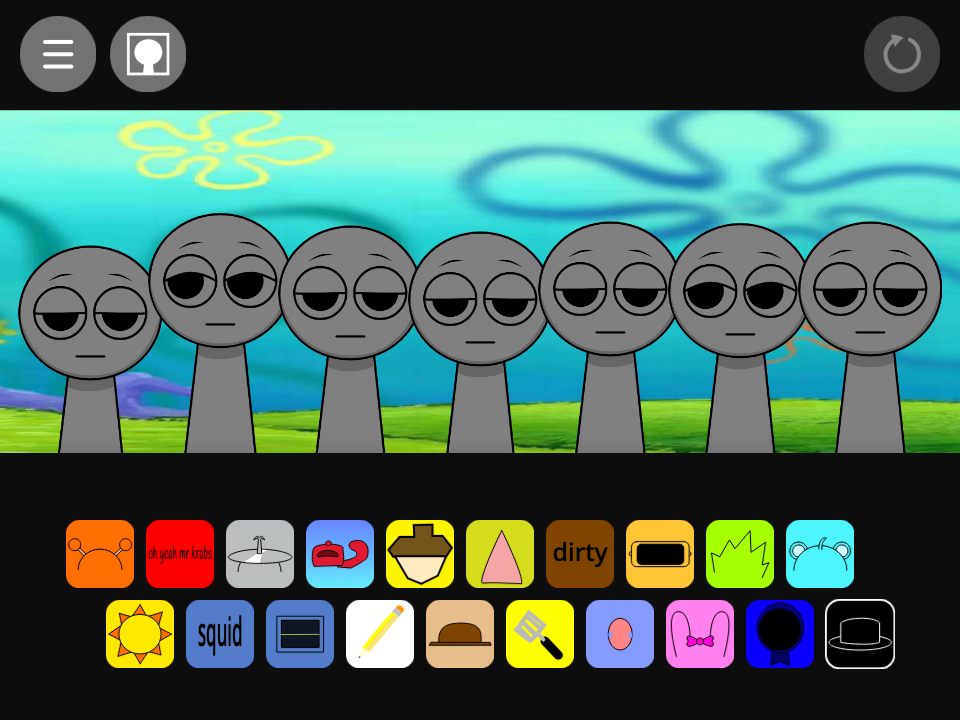
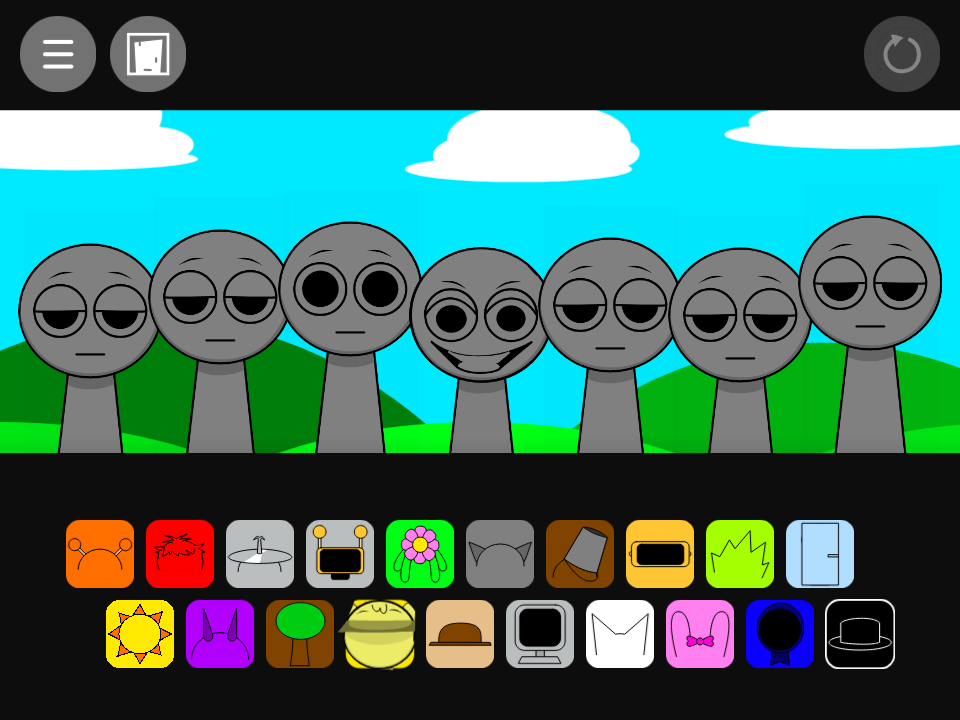

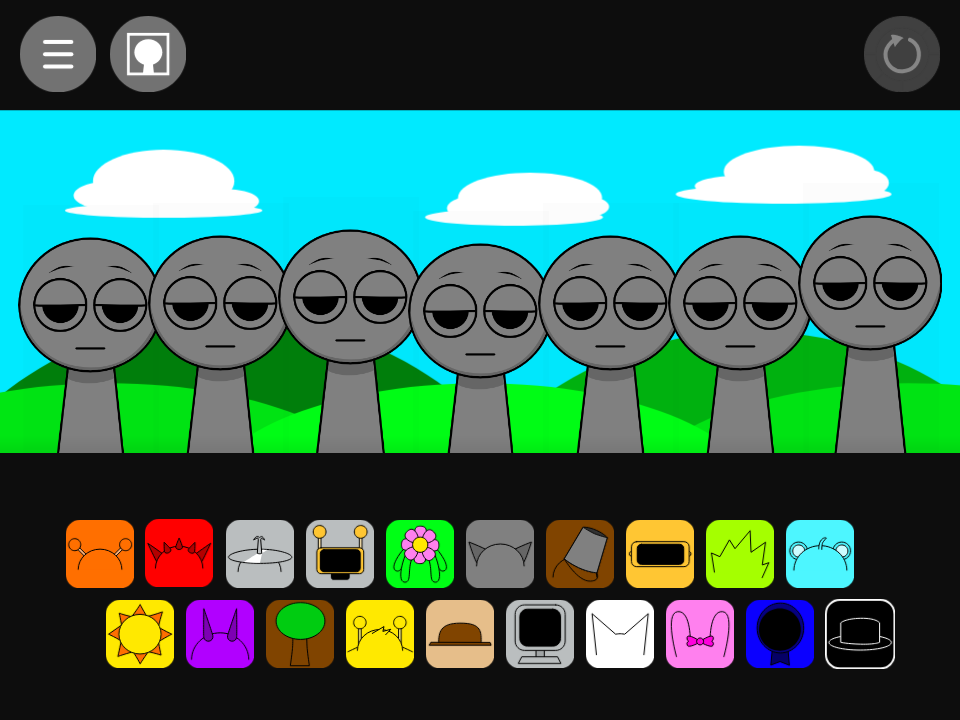
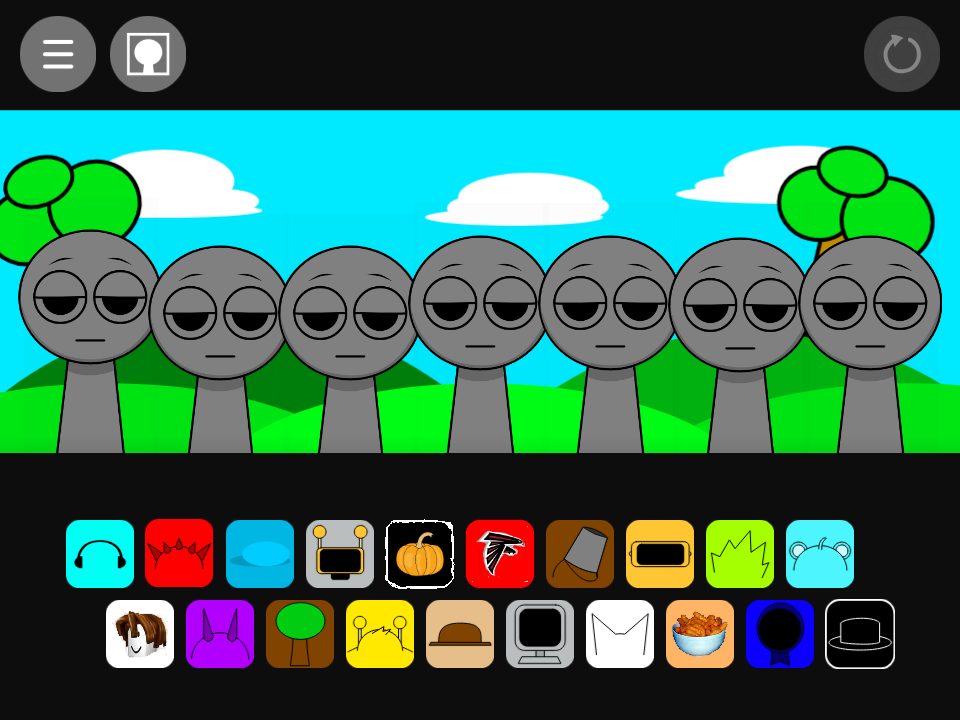


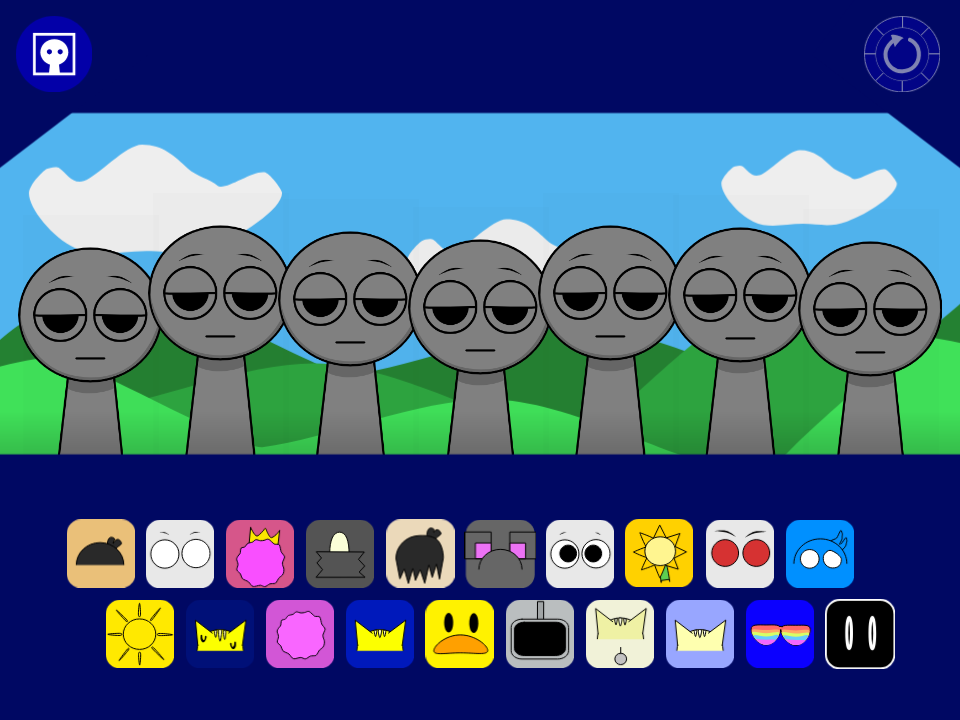

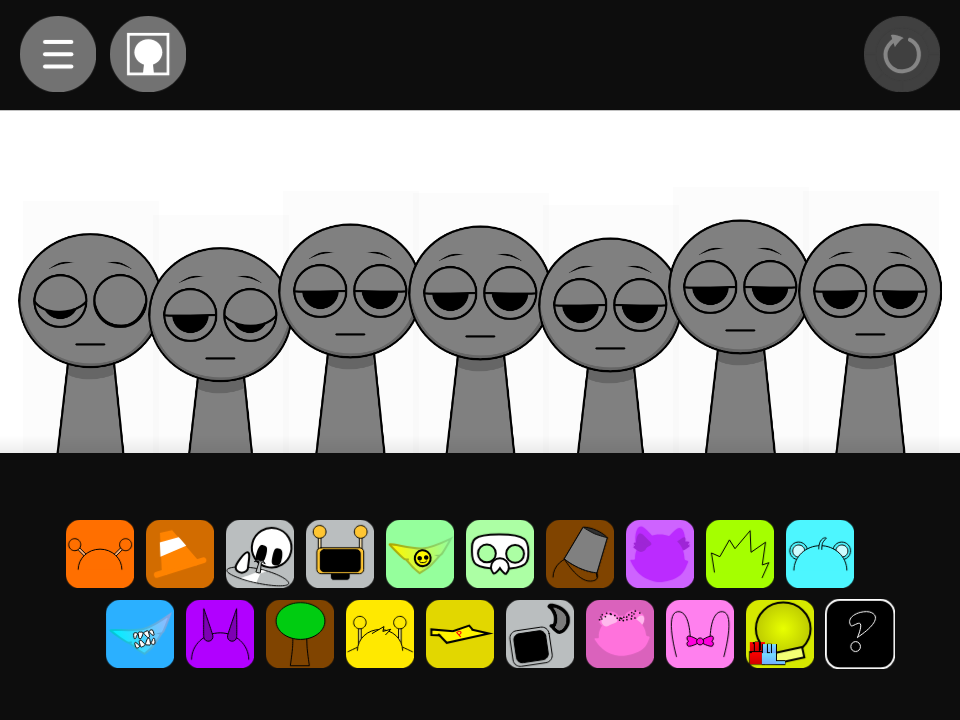

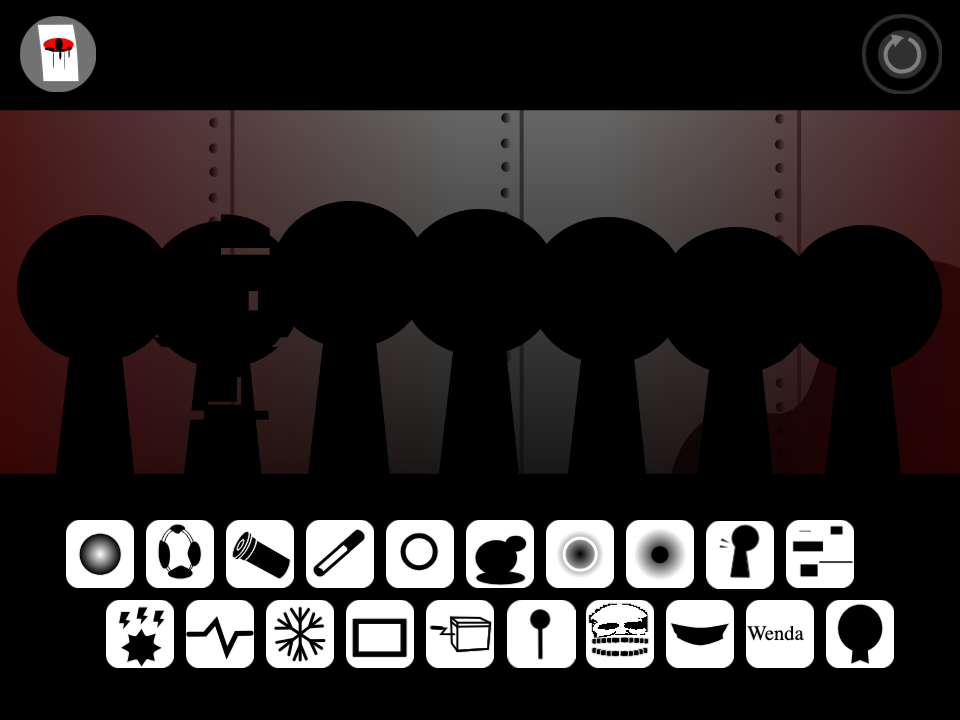


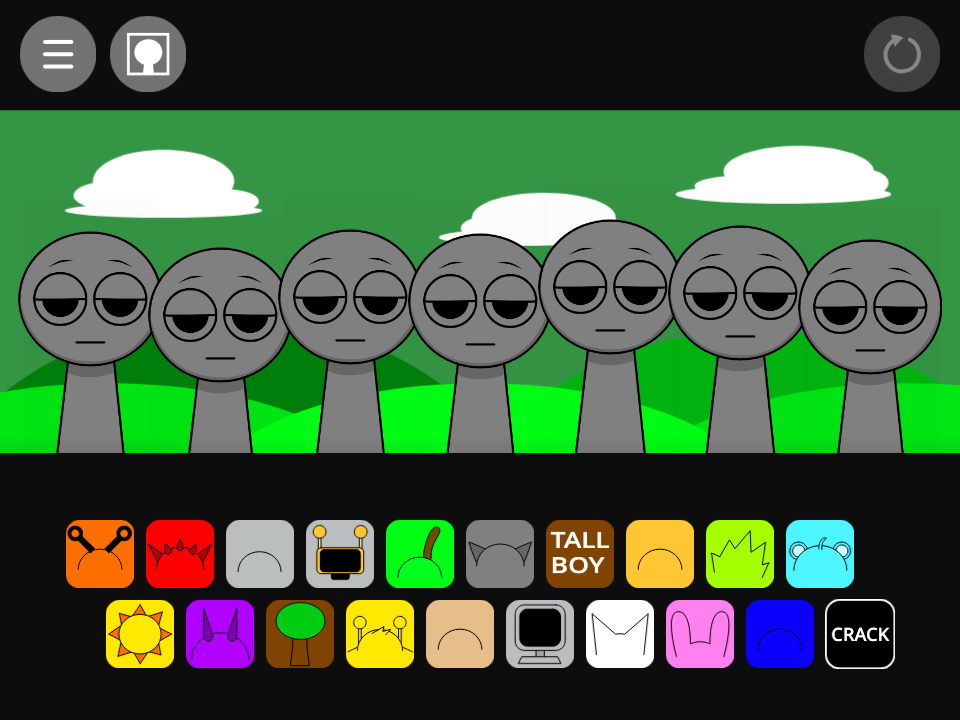

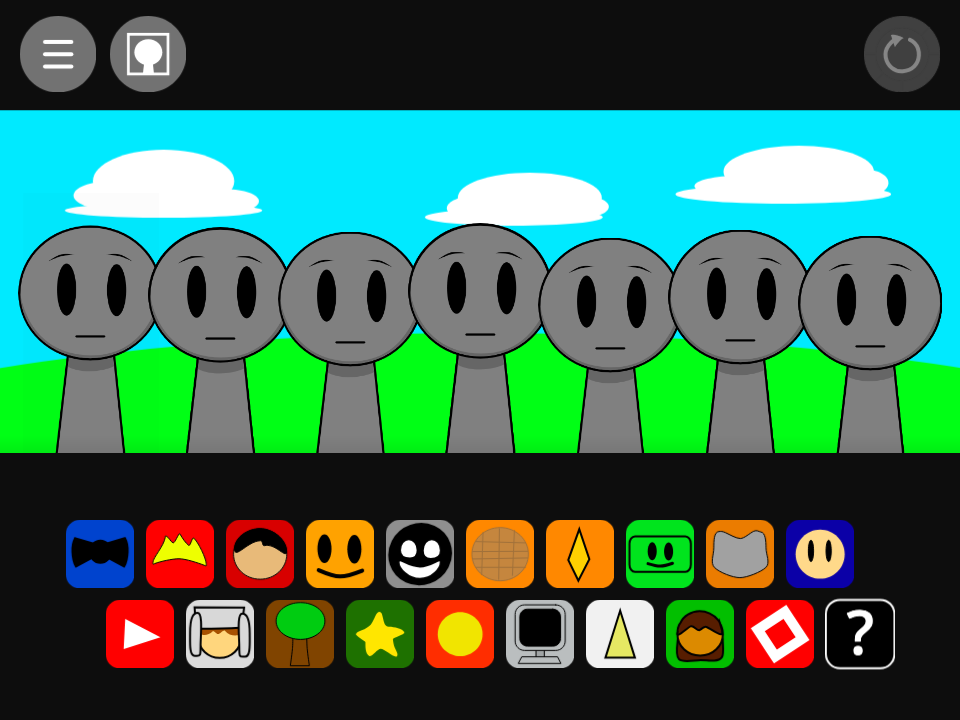
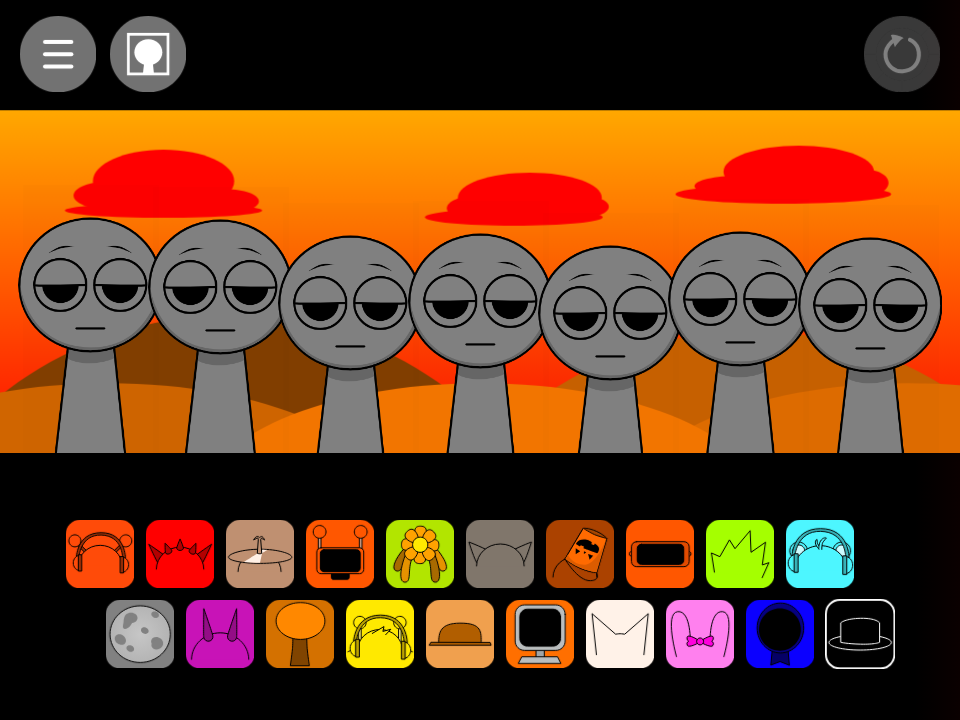


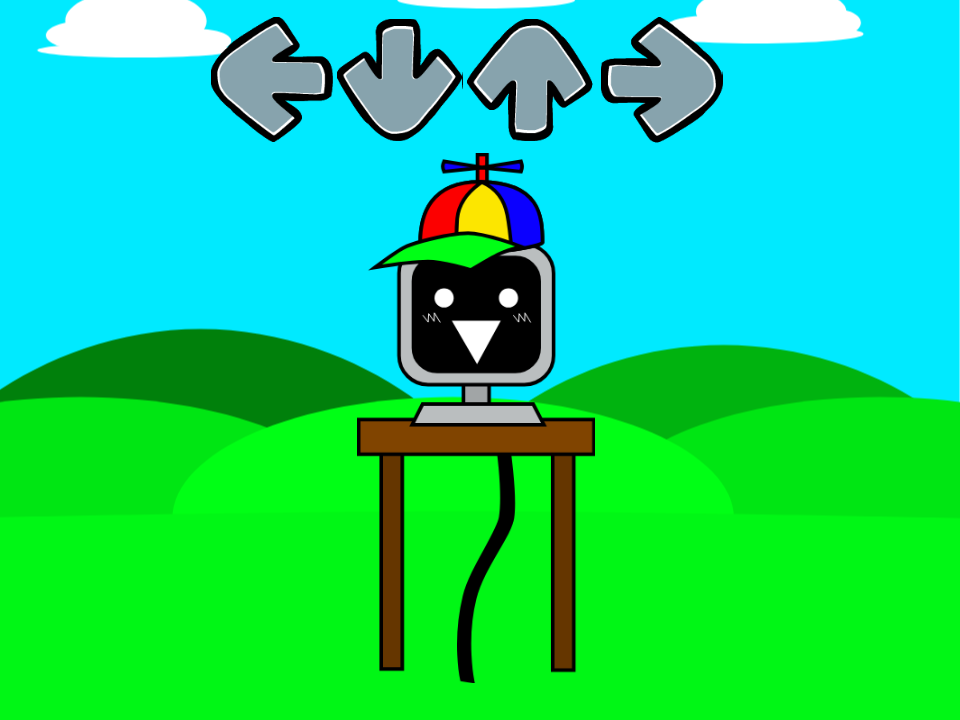
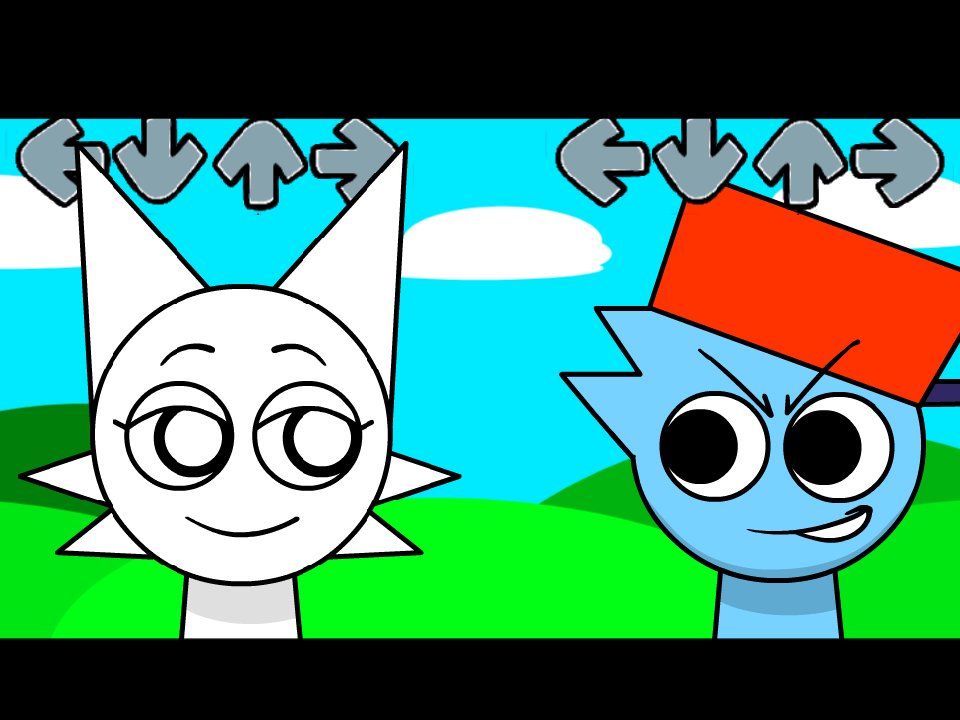

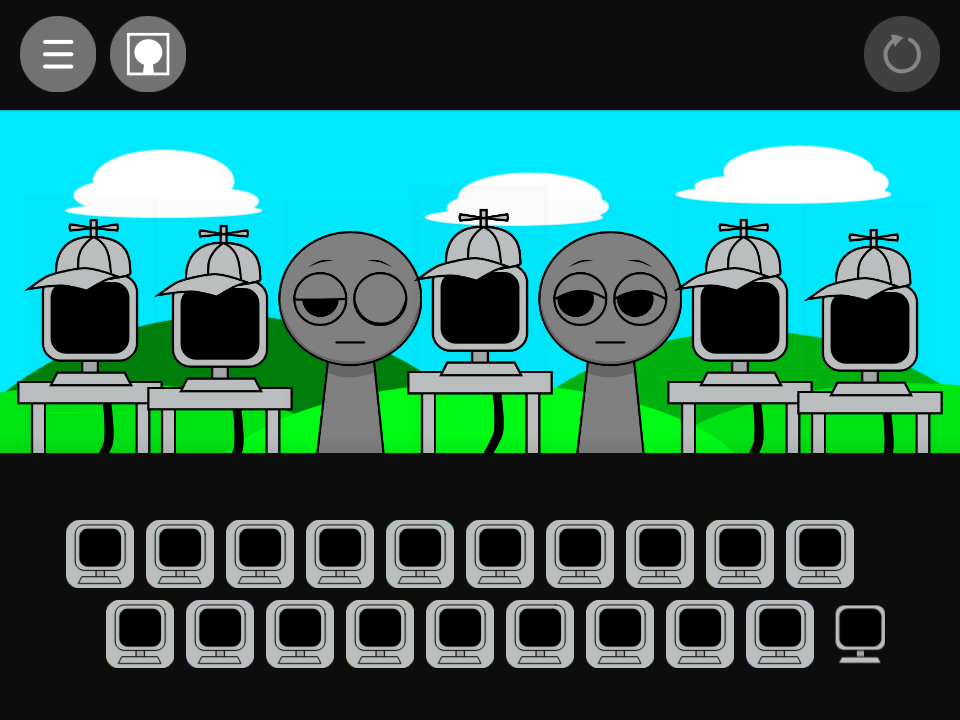



What is Sprunki But I Made It?
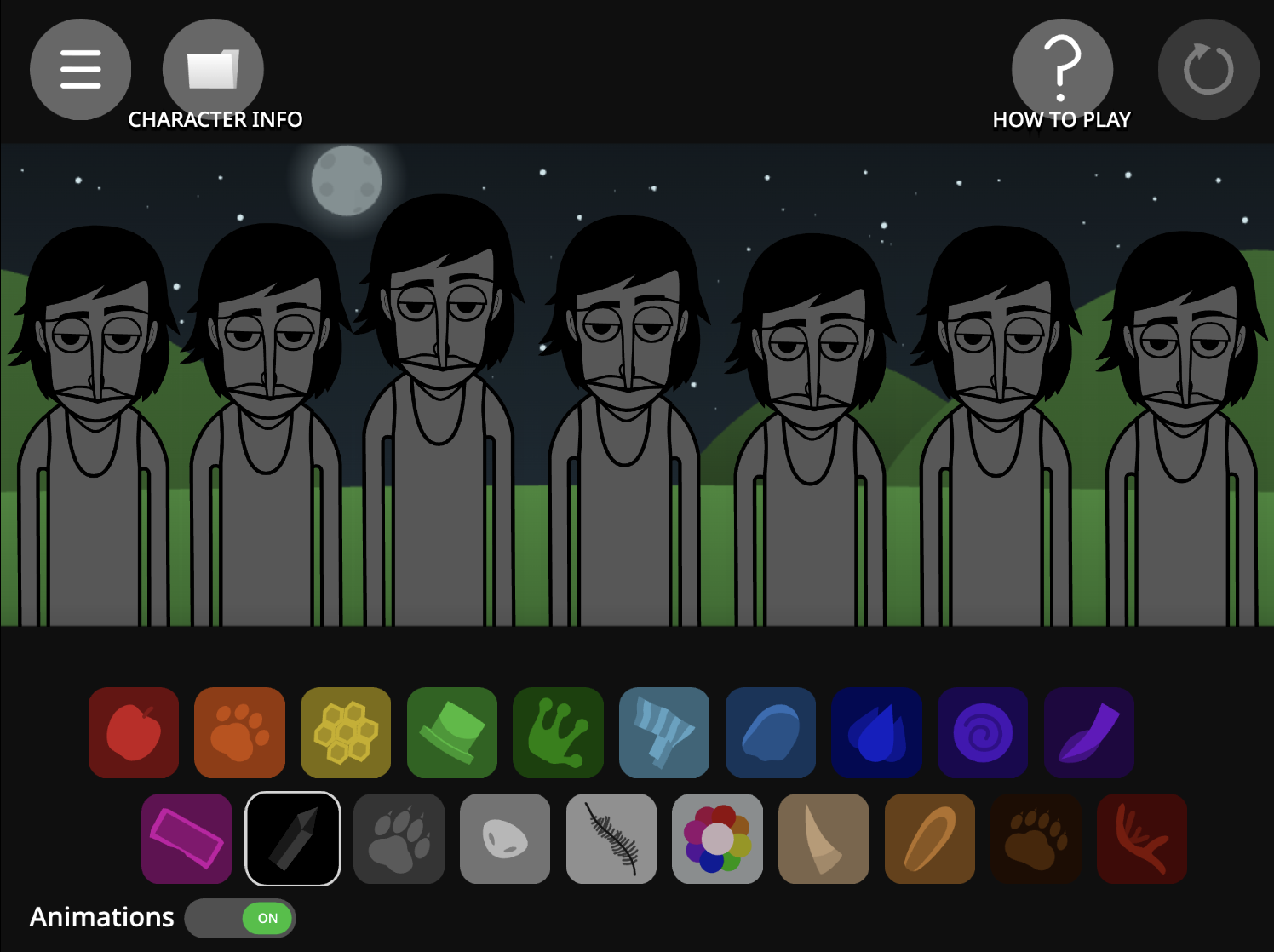
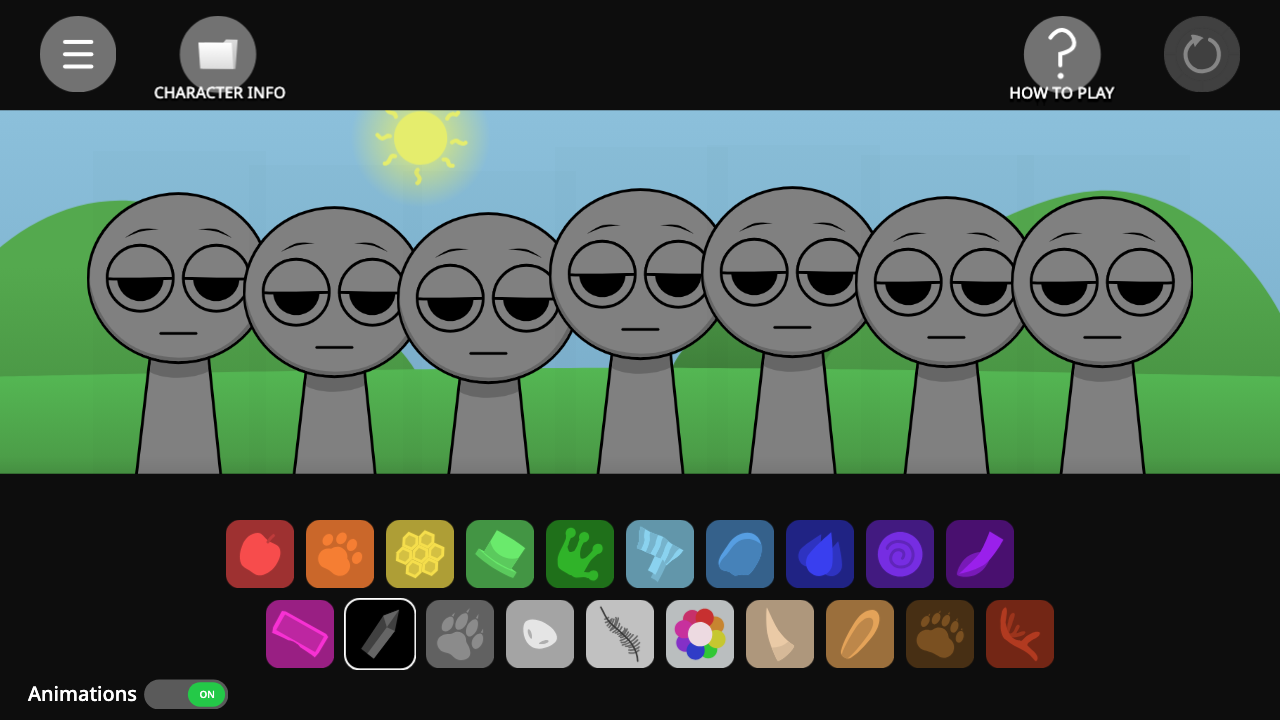
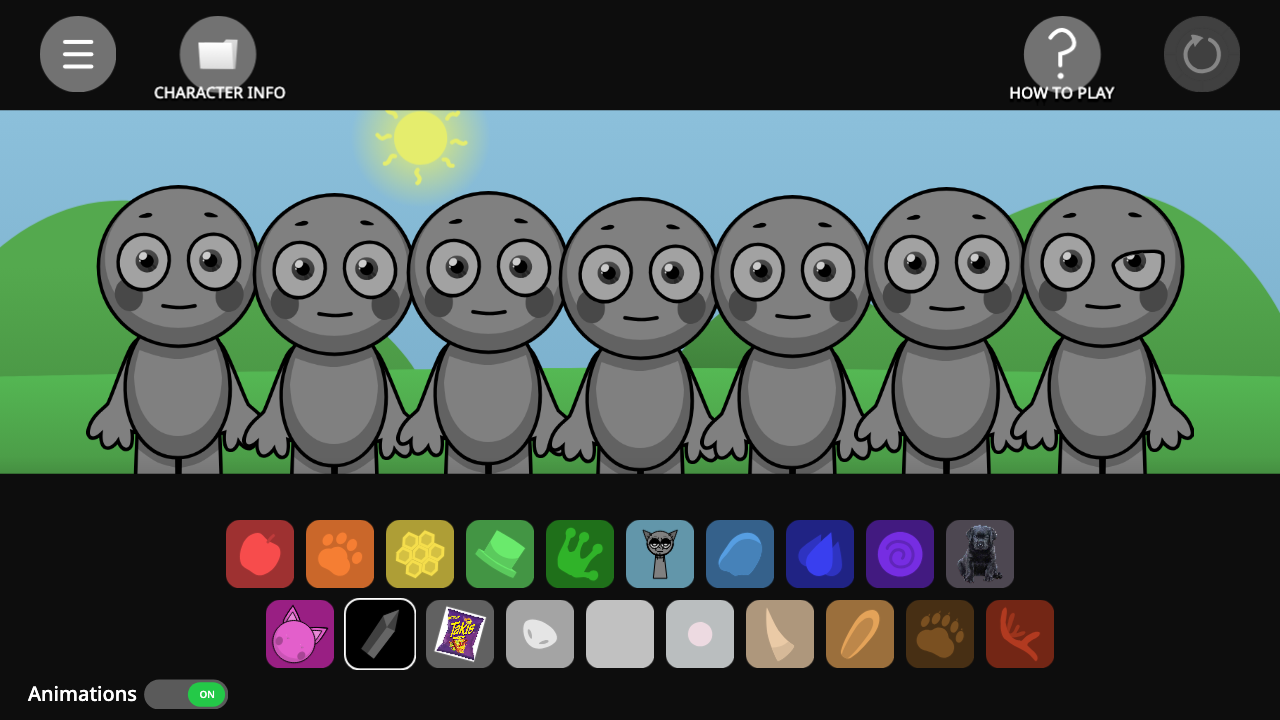
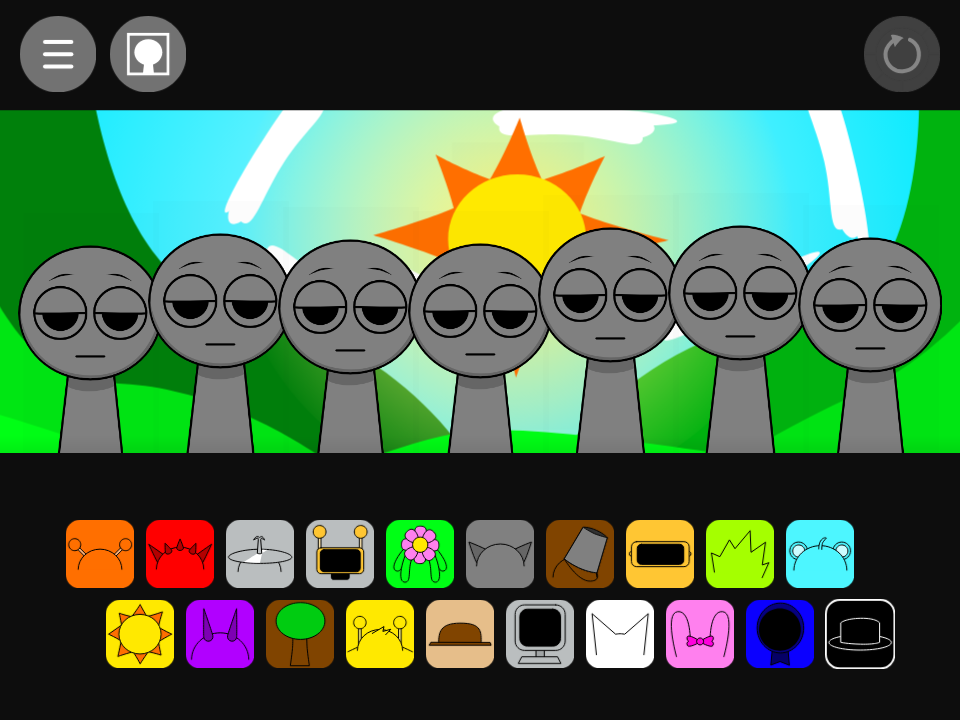
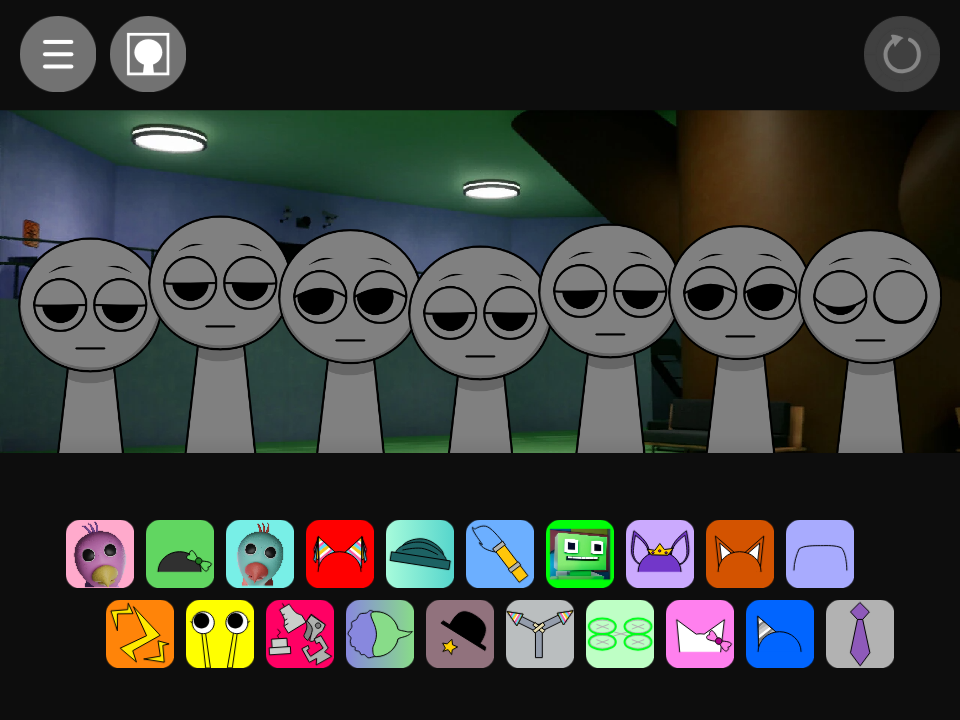
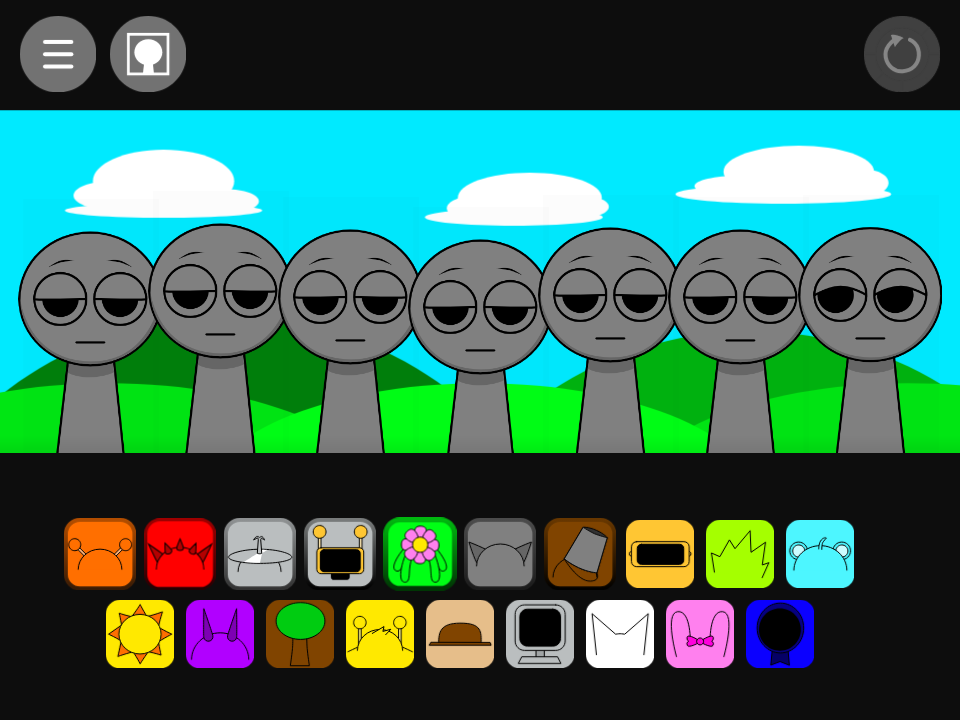
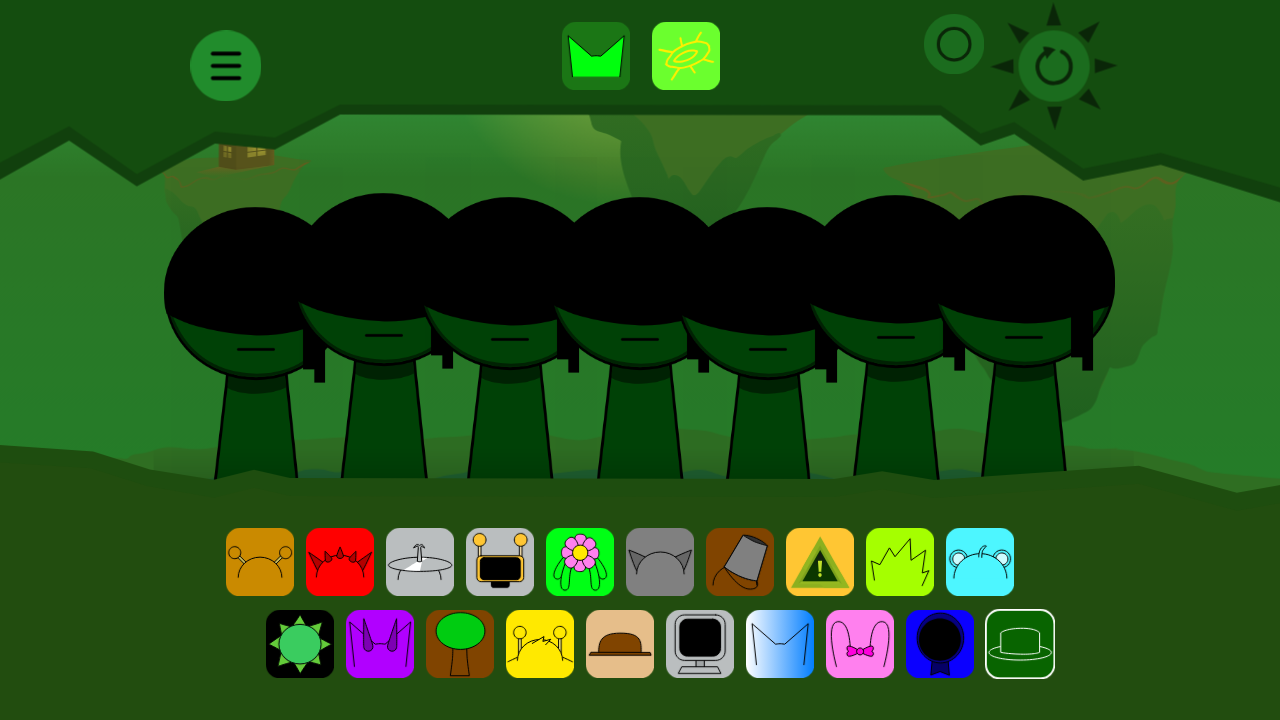
A fan’s personal remake of Sprunki, with redrawn characters and a sound set picked by the creator to show their own style. It keeps the simple drag-and-drop music making that made Sprunki a hit, while giving the characters and sounds its own personality.
How to Play Sprunki But I Made It
- Press Play and wait a moment for the sounds to load.
- Drag a sound icon from the bar at the bottom onto a character.
- Keep adding sounds: mix beats, effects, melodies and voices.
- Click a character to mute or solo them.
- Find the right combinations to unlock hidden bonus animations.
Features
- A fresh take on the Sprunki characters
- Beats, effects, melodies and voices to layer
- Hidden combos and bonus animations to discover
- Free to play in your browser on PC, tablet and phone
Tips for a Great Mix
- Start with a beat, then add one melody at a time so the mix doesn’t get muddy.
- Click a character to mute it and hear how each part fits the song.
- Use headphones to catch every layer and detail.
- Try different combinations to unlock hidden bonus animations.
FAQ
Is Sprunki But I Made It free to play?
Yes. Sprunki But I Made It runs free in your browser, with no download or sign-up needed.
Can I play Sprunki But I Made It on my phone?
Yes. It works in modern mobile browsers. Turn your phone sideways and use headphones for the best experience.
Is Sprunki But I Made It scary?
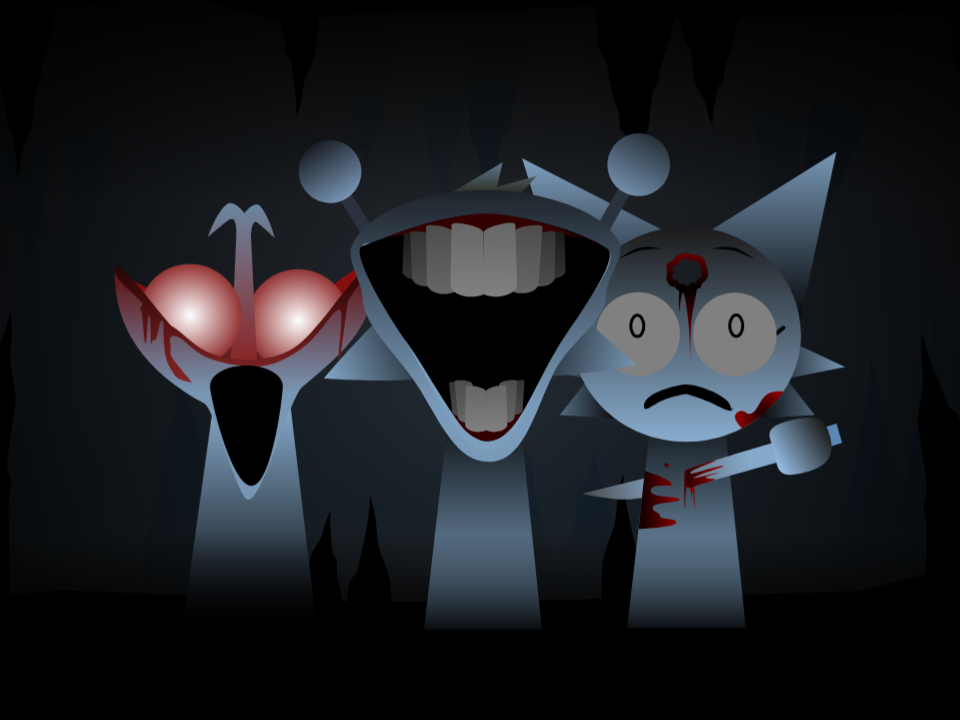
Sprunki But I Made It is mostly lighthearted. Some Sprunki mods include a darker twist, so parents may want to try it first with younger kids.
Is Sprunki But I Made It an official game?
No. It’s a fan-made mod. Incredibox is created by So Far So Good, and Sprunki is a fan mod by NyankoBfLol. We’re not affiliated with any of them; all credit goes to the original creators.
The game won’t load or has no sound. What should I do?
Refresh the page, make sure your device isn’t on silent, and click once on the game area, since browsers block audio until you interact with the page.