
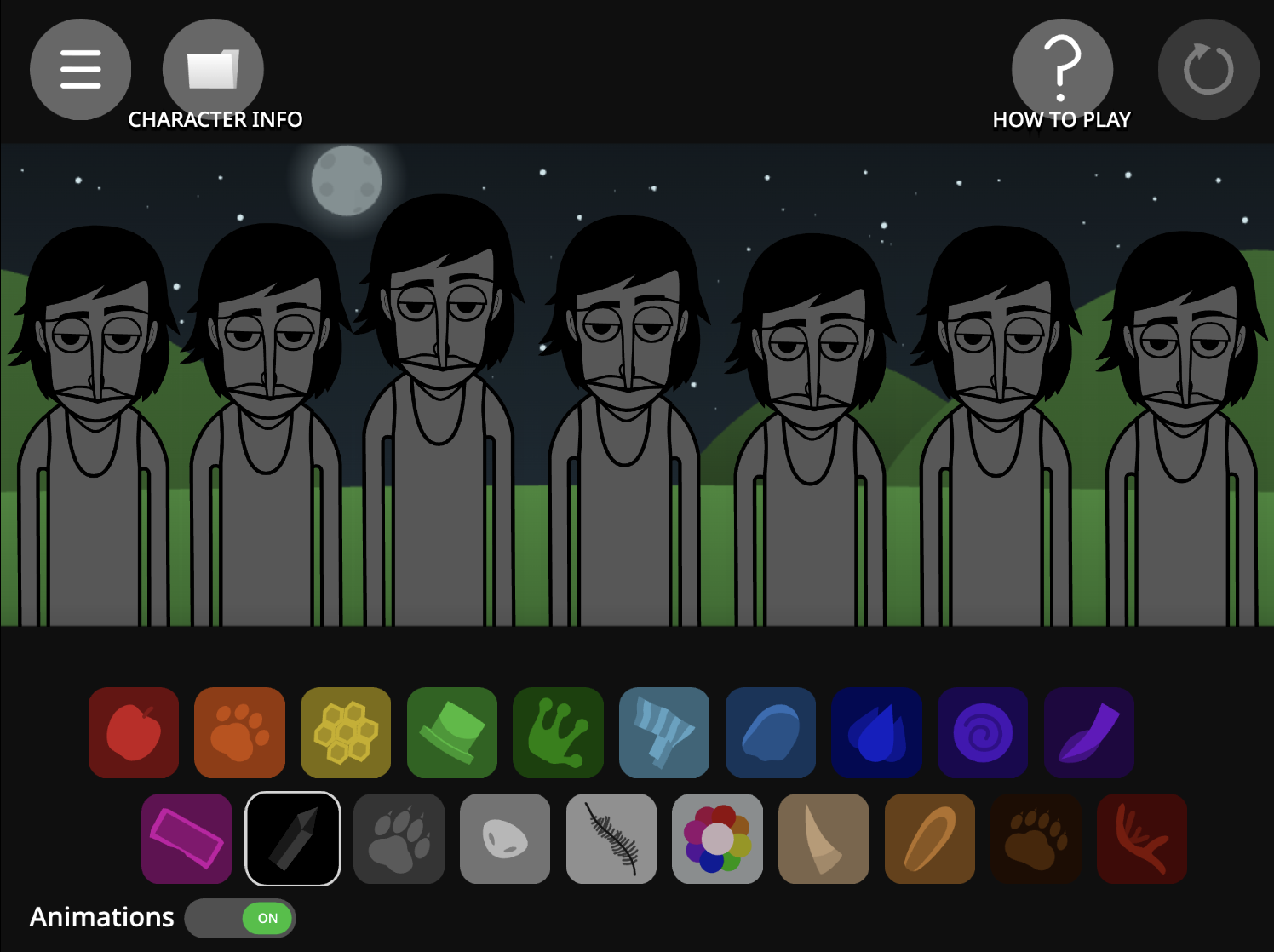

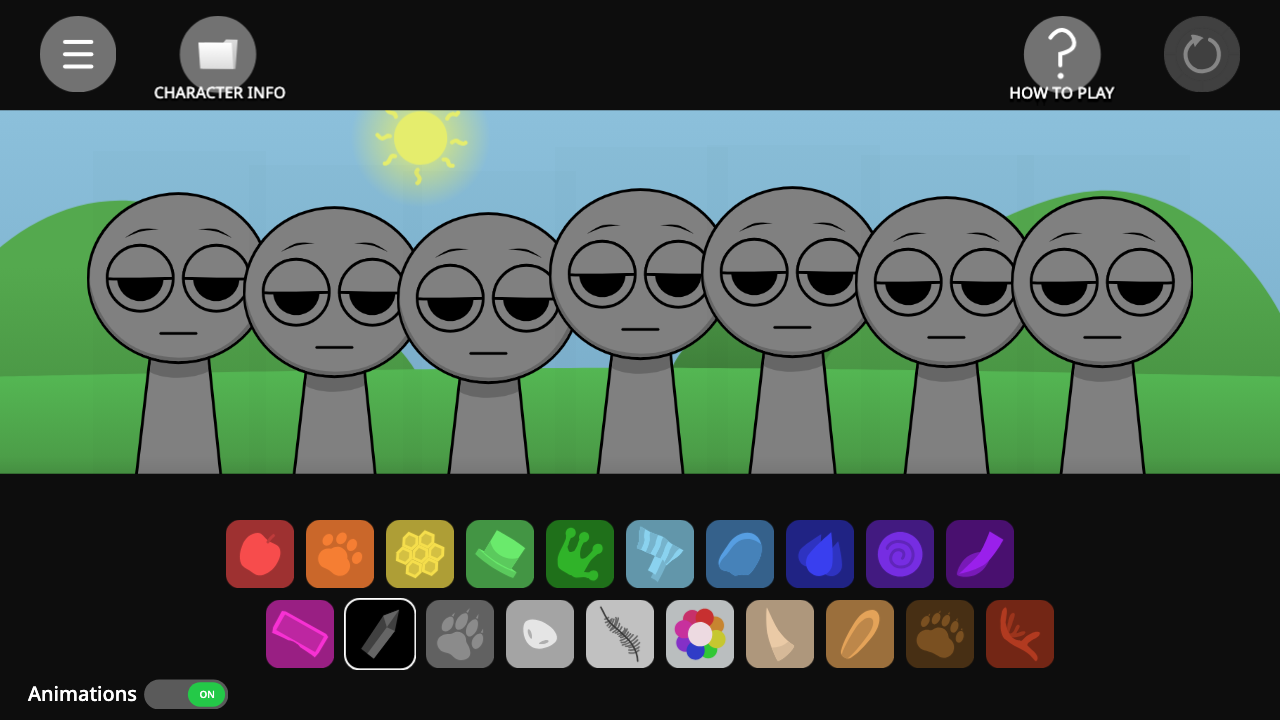
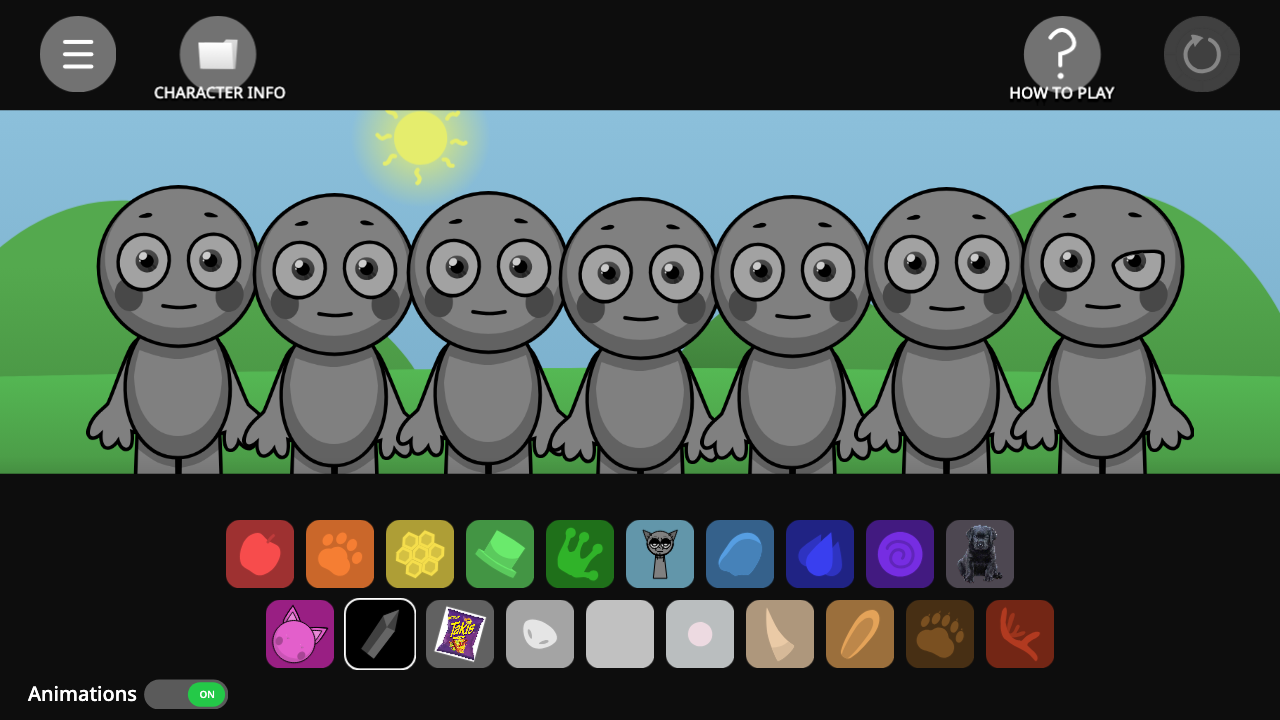


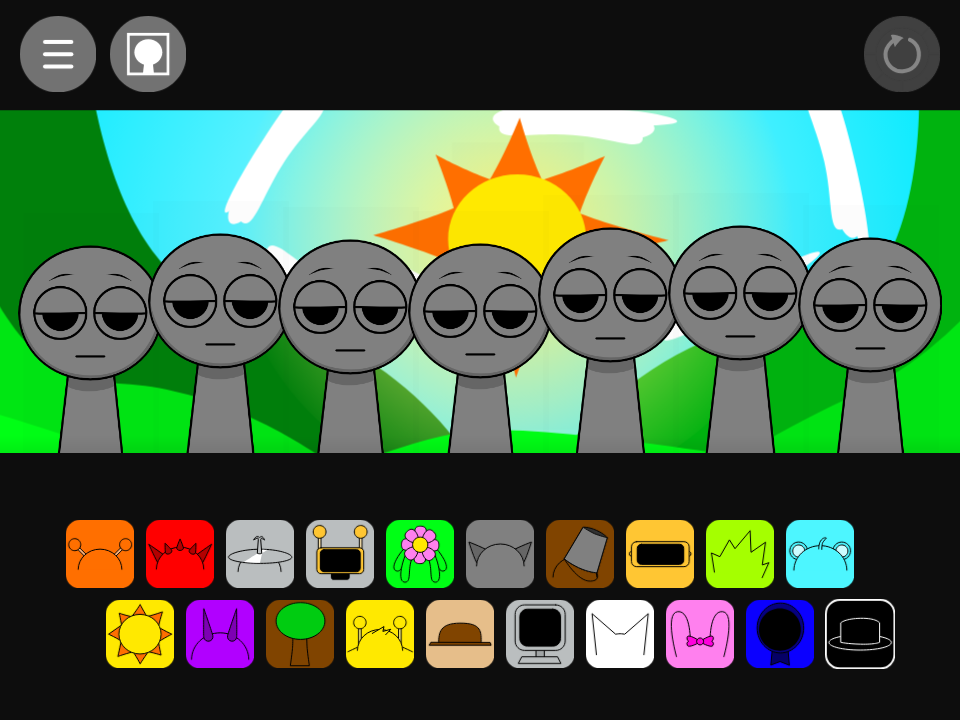

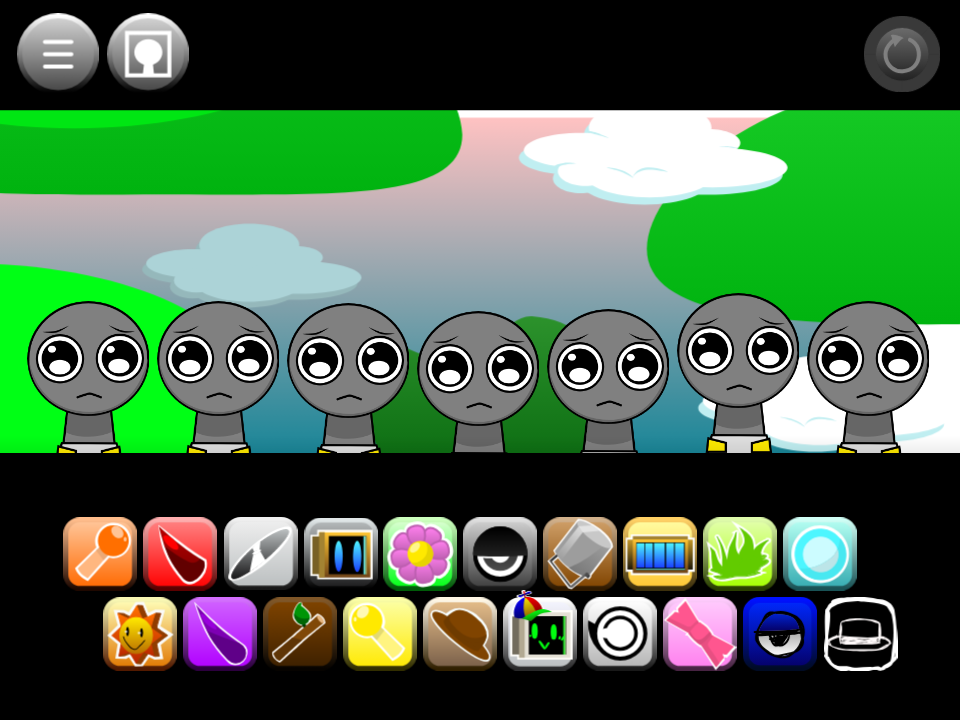
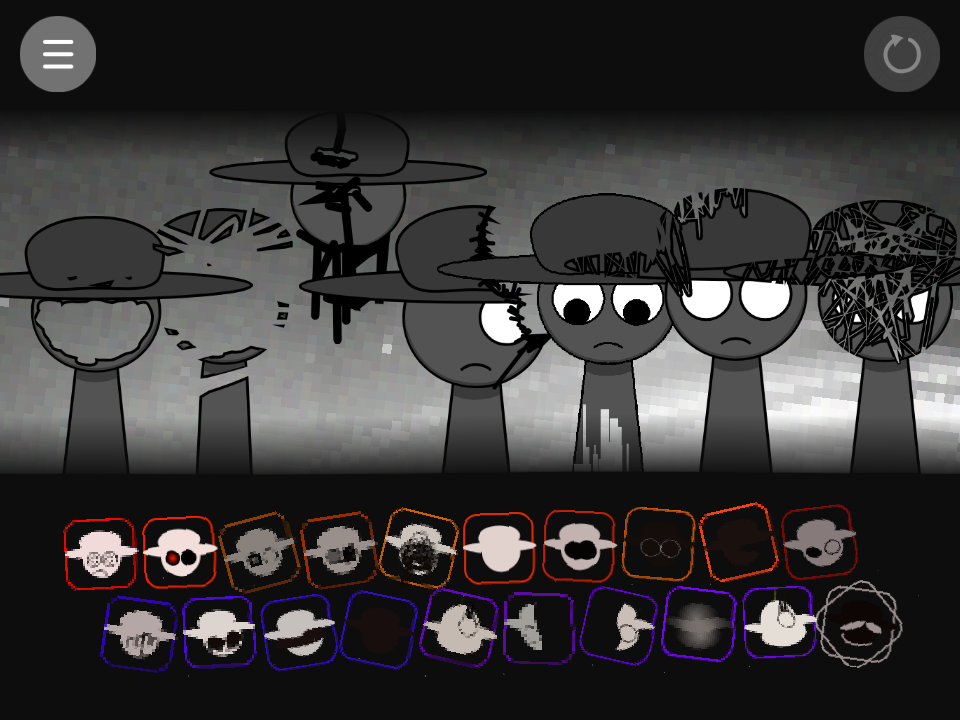
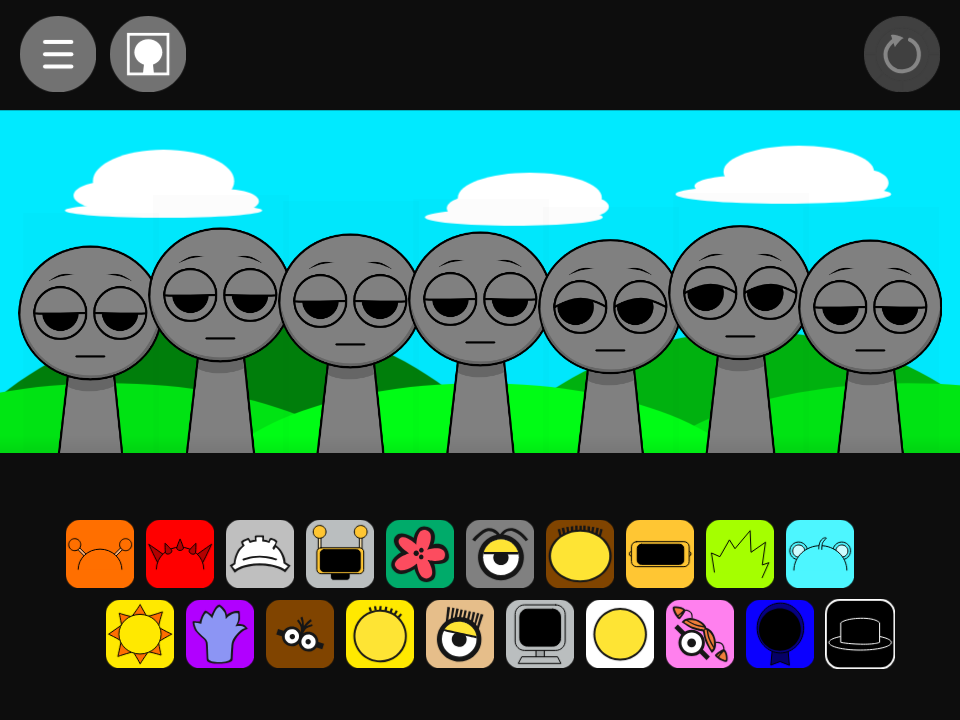
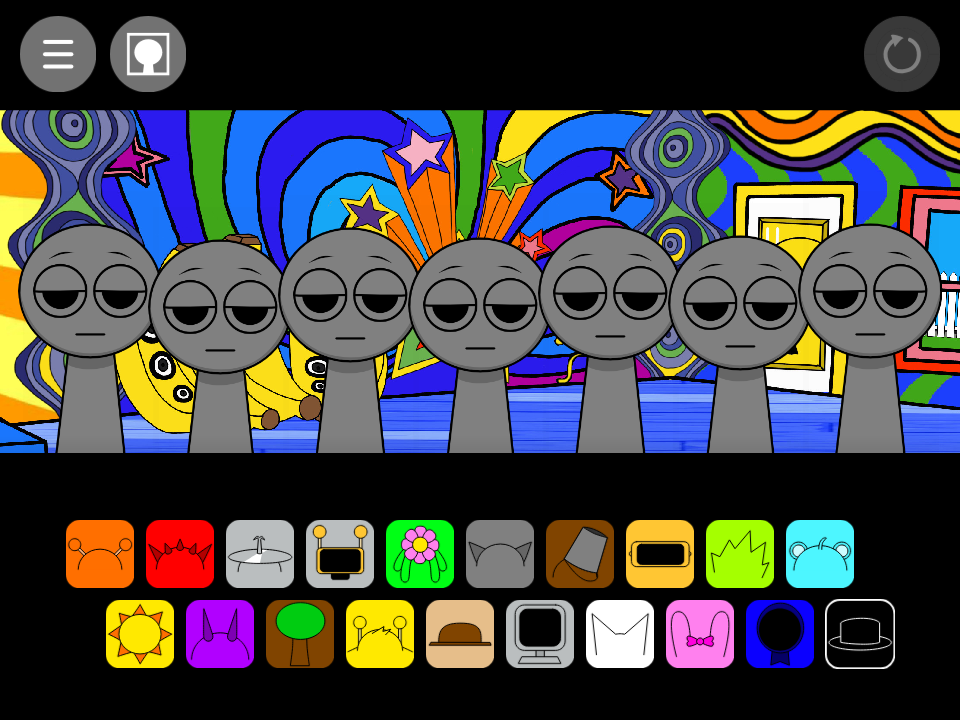
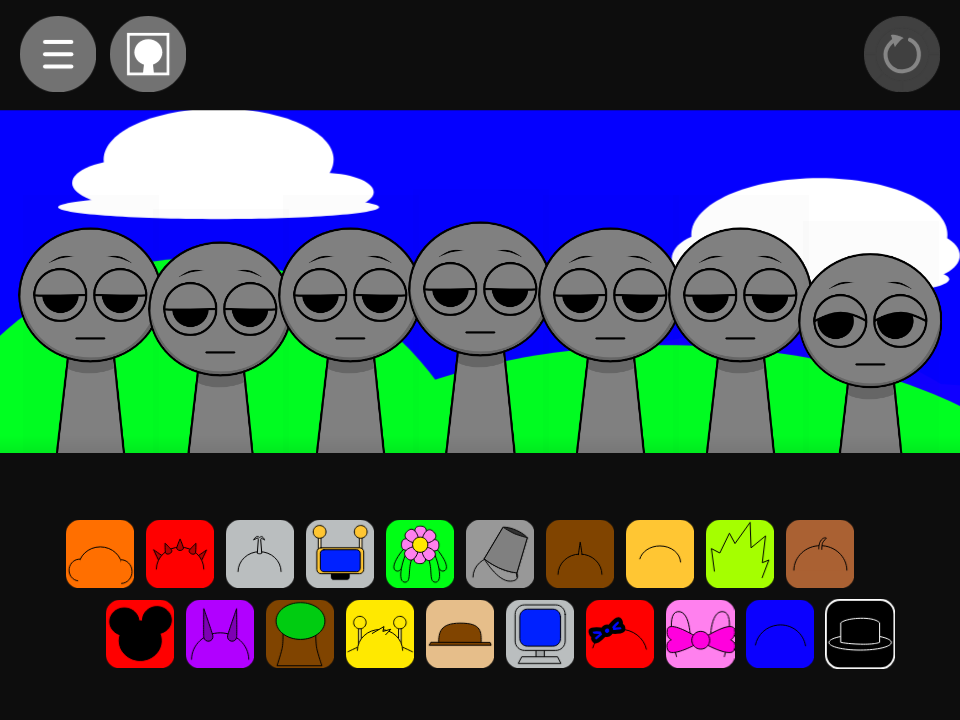
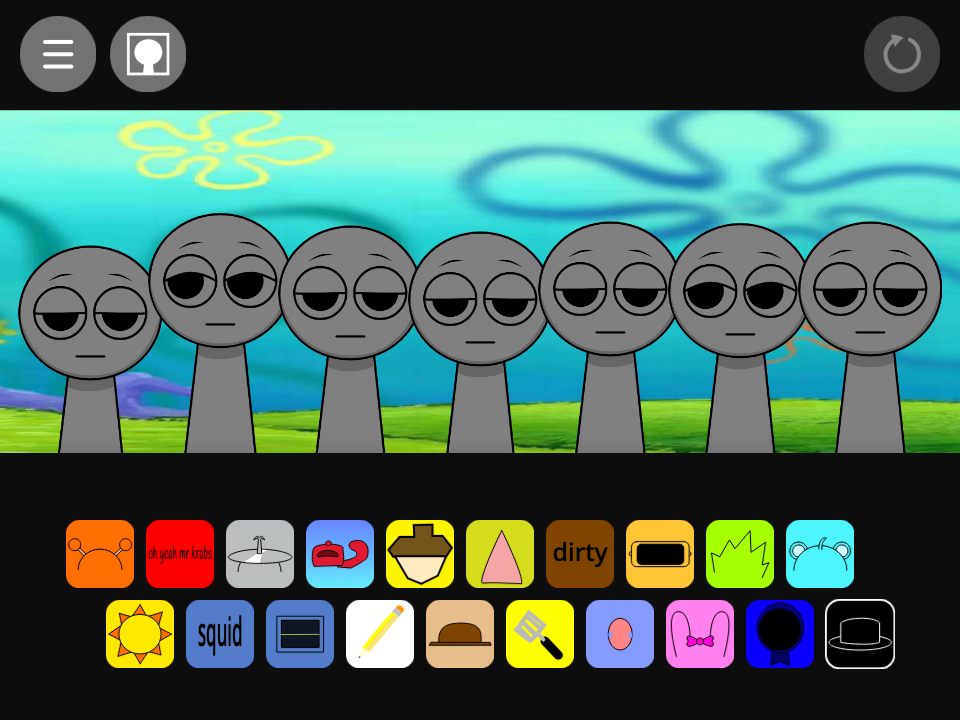
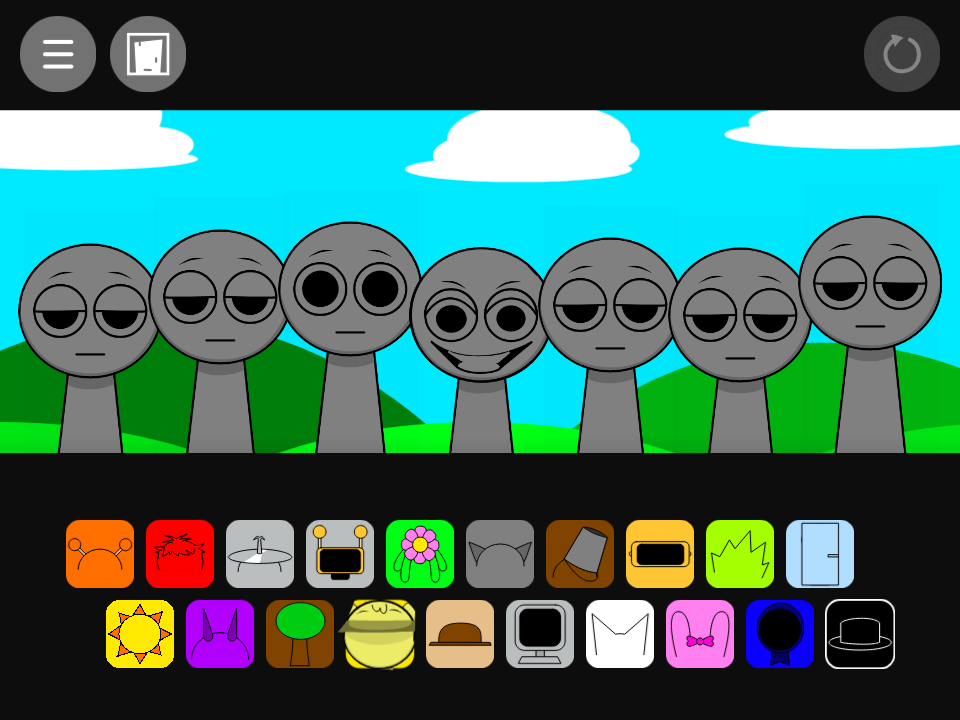

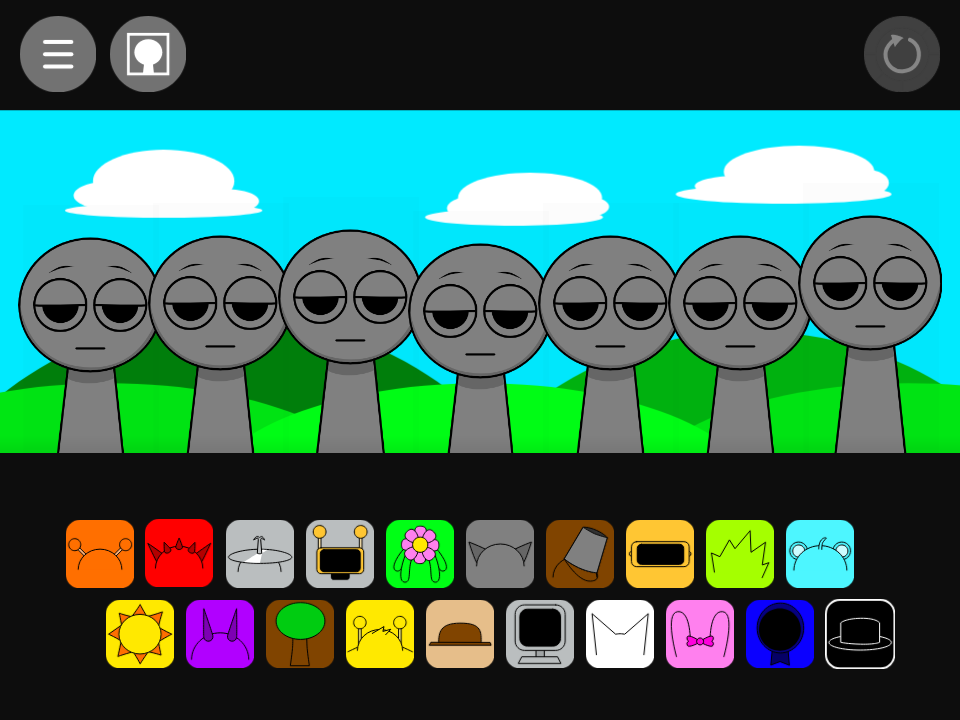
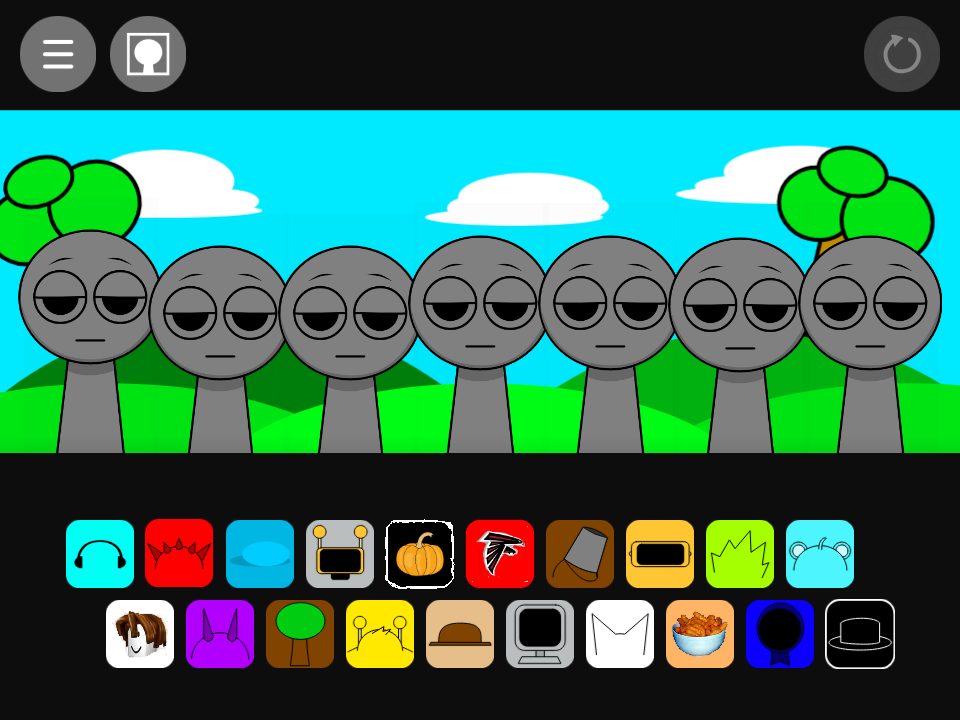



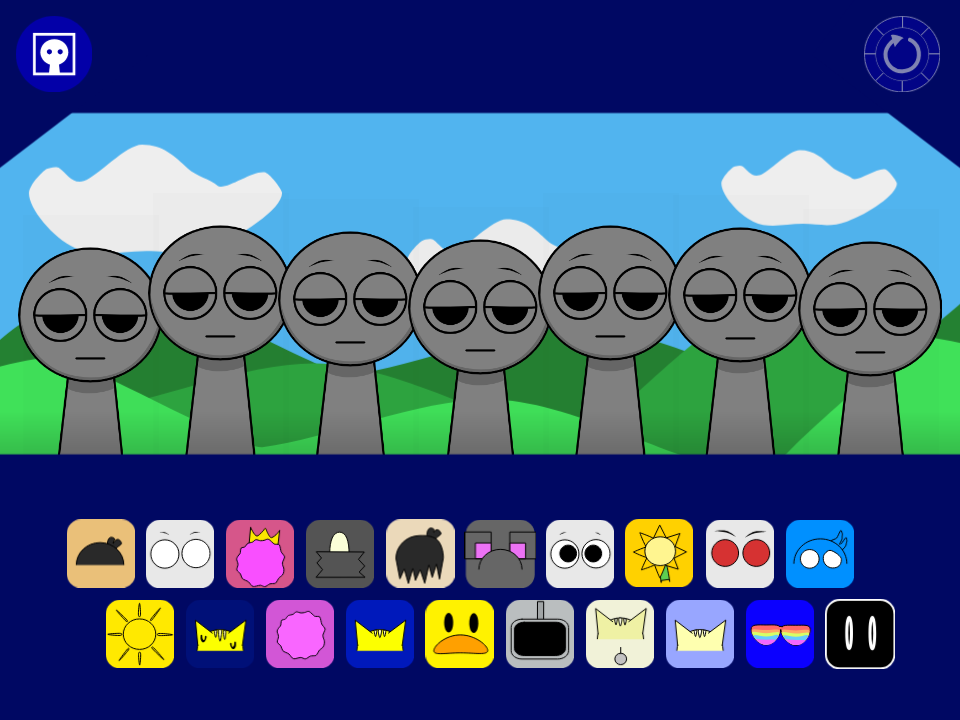

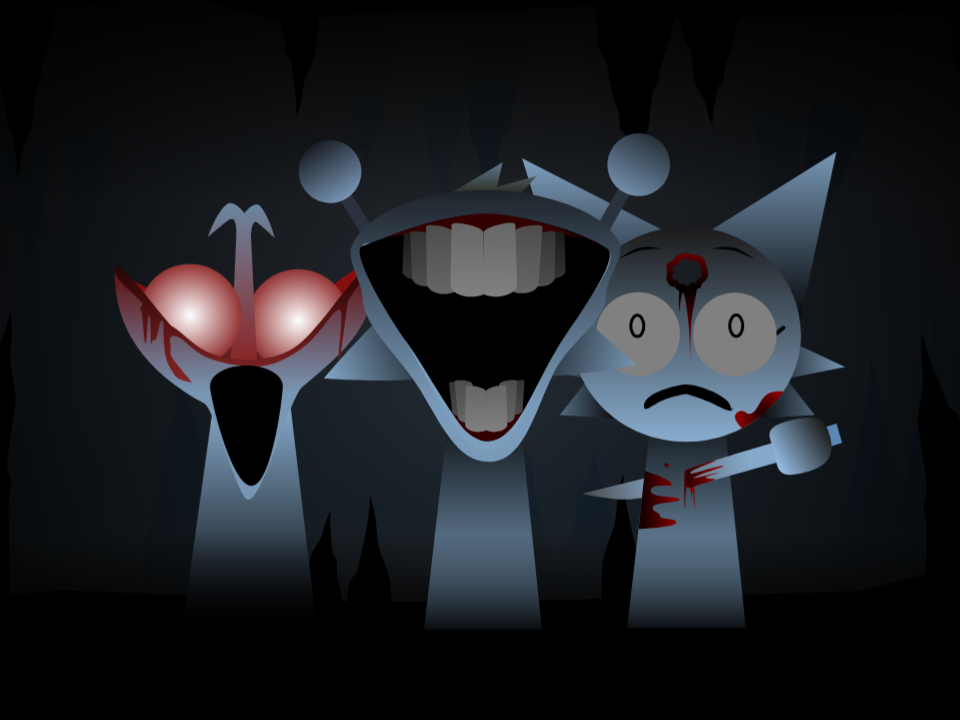
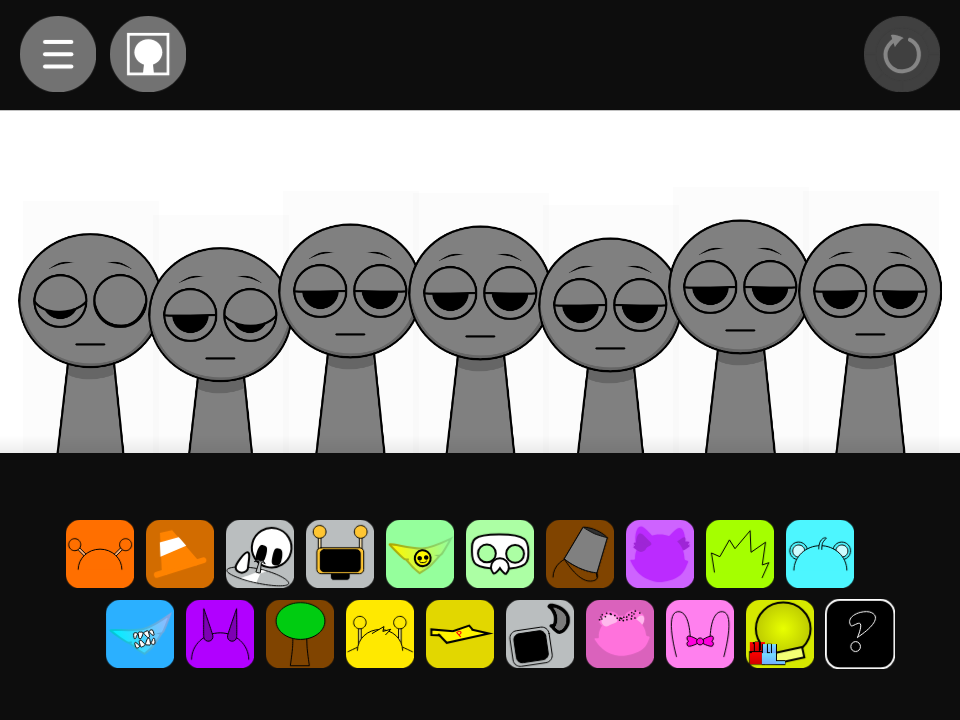

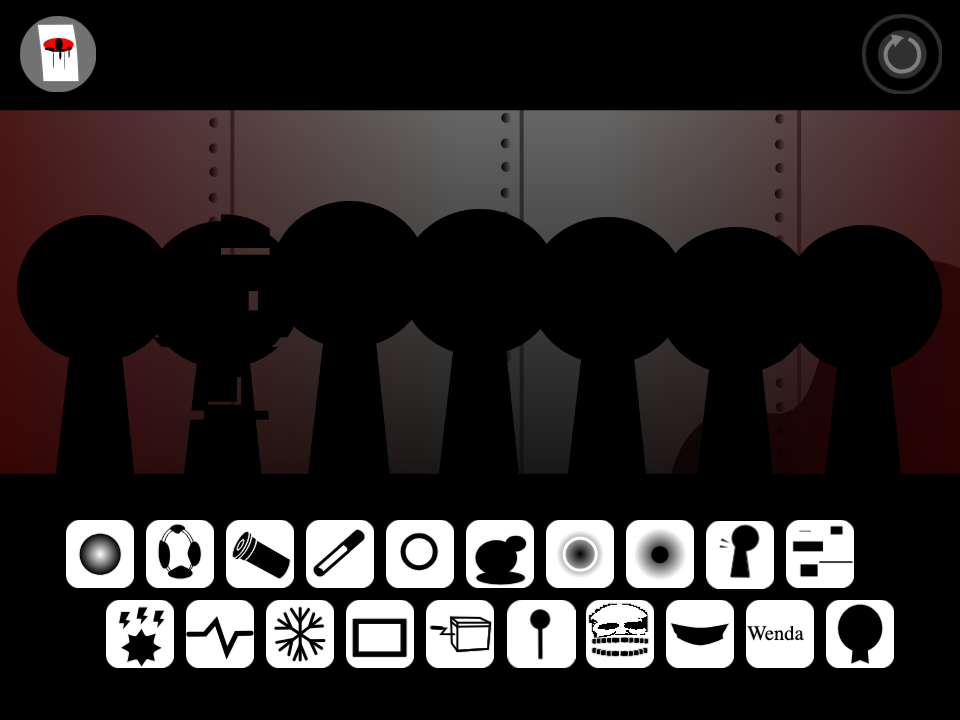


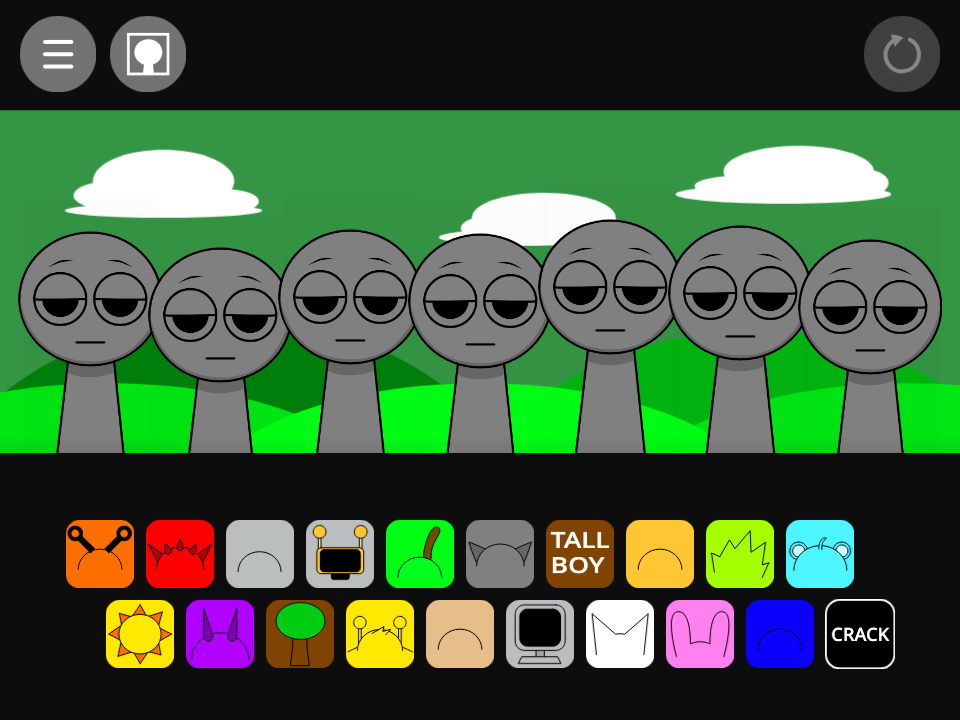

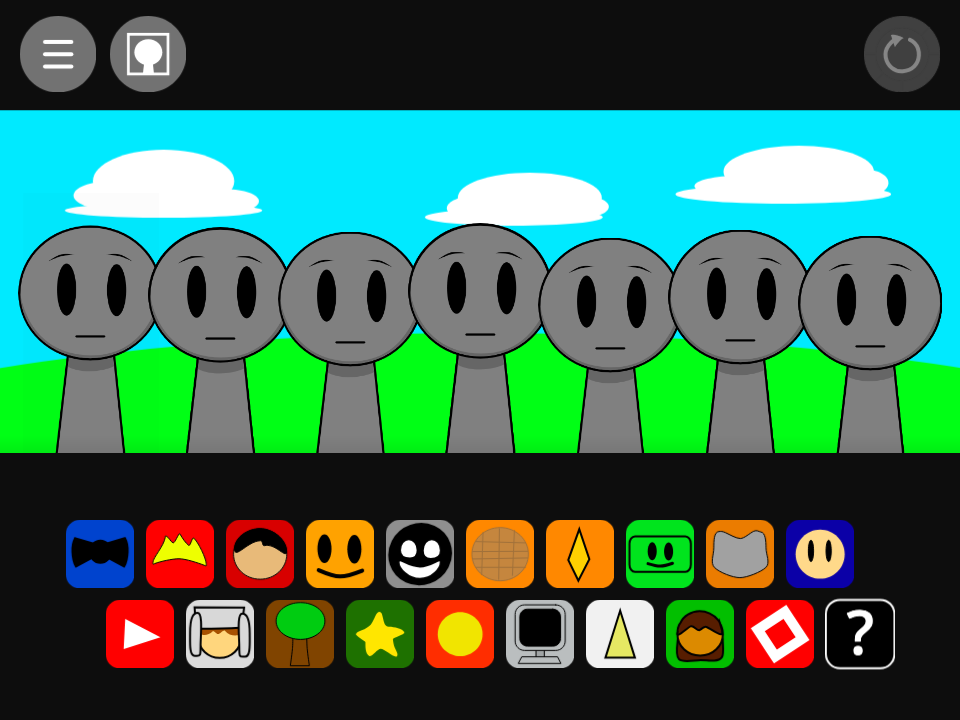
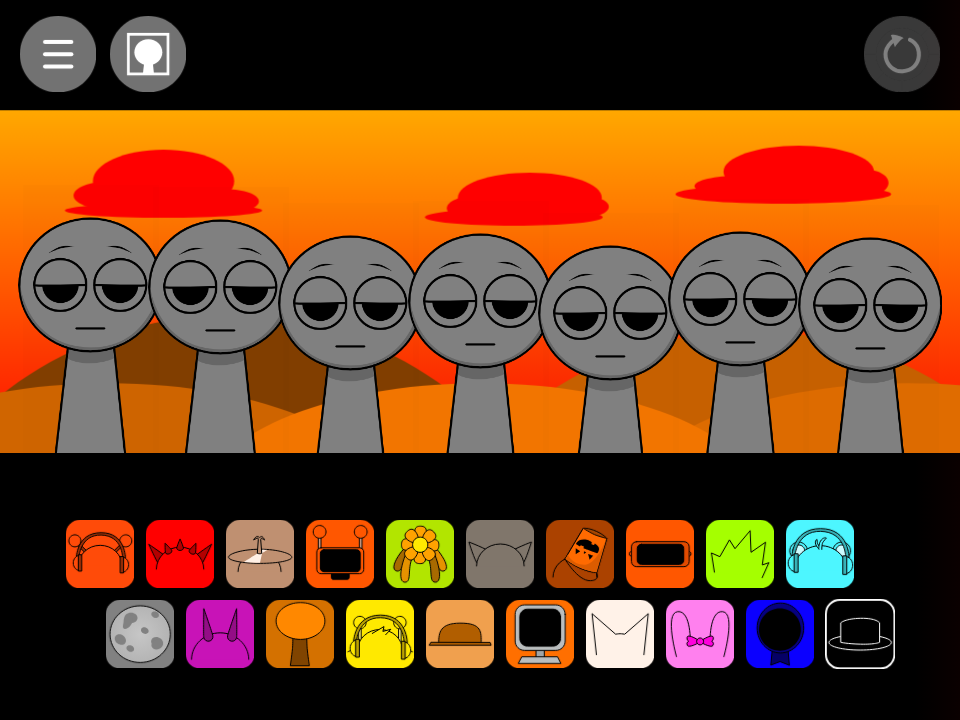


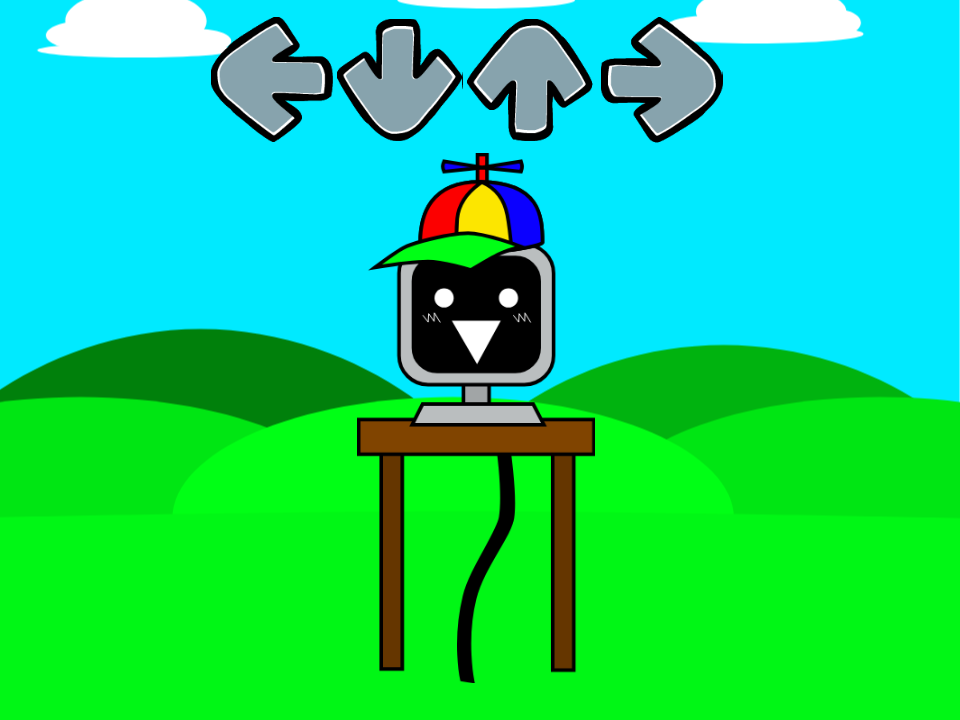
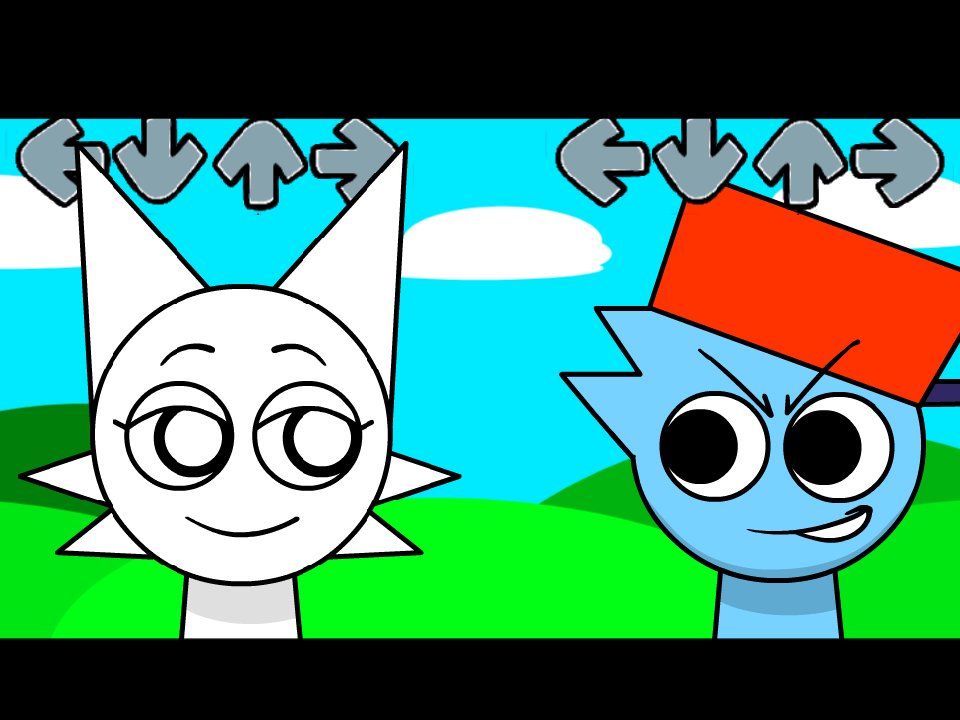


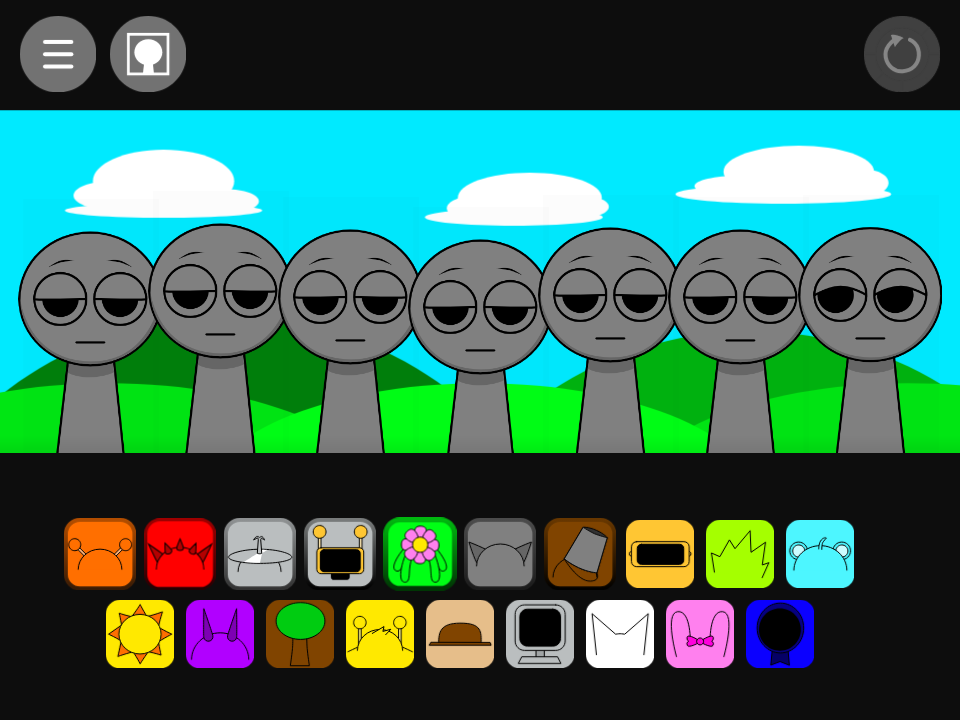


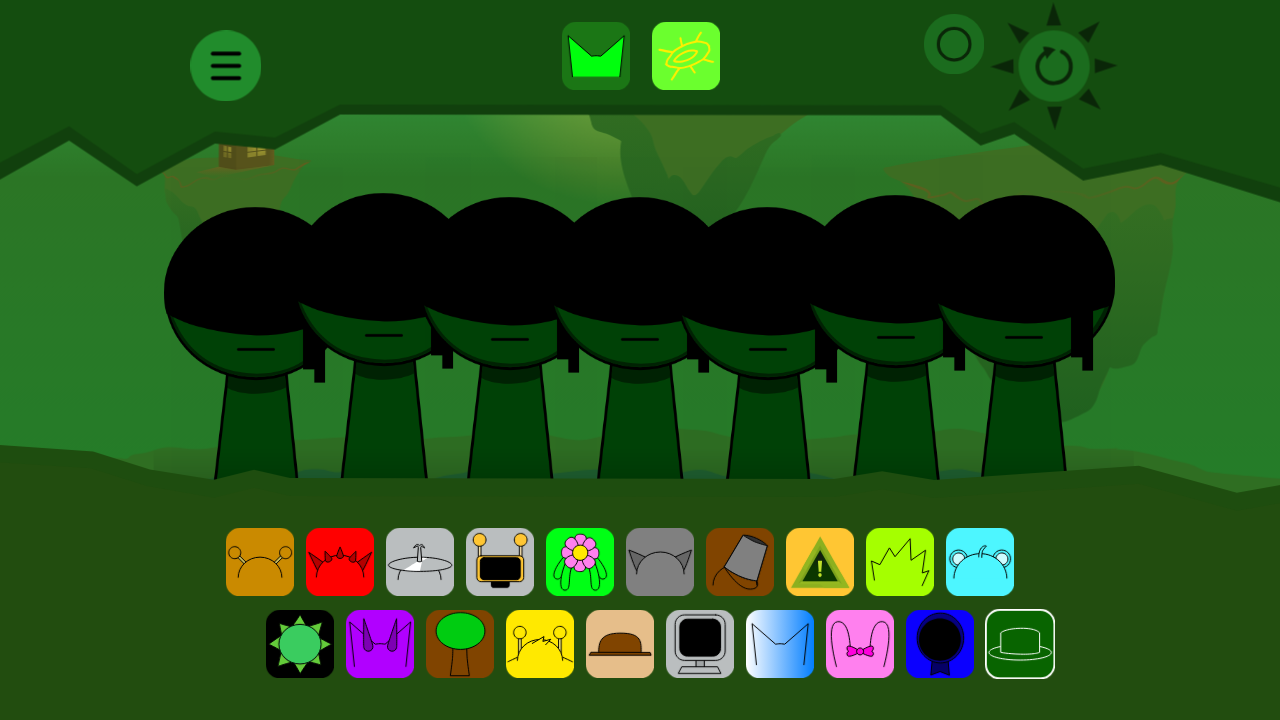
What is Sprunki Fall Edition?
An autumn-themed edition with cozy orange and brown colors, falling leaves and warm, mellow loops. It keeps everything light and friendly, making it a great choice for younger players and anyone who prefers cheerful music over jump scares.
How to Play Sprunki Fall Edition
- Press Play and wait a moment for the sounds to load.
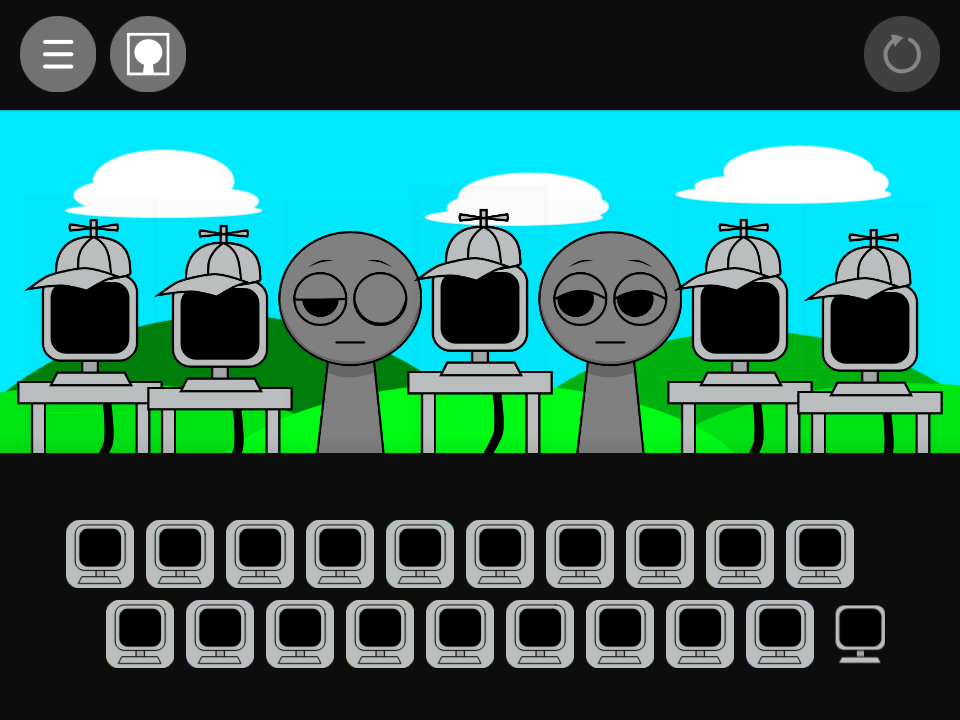
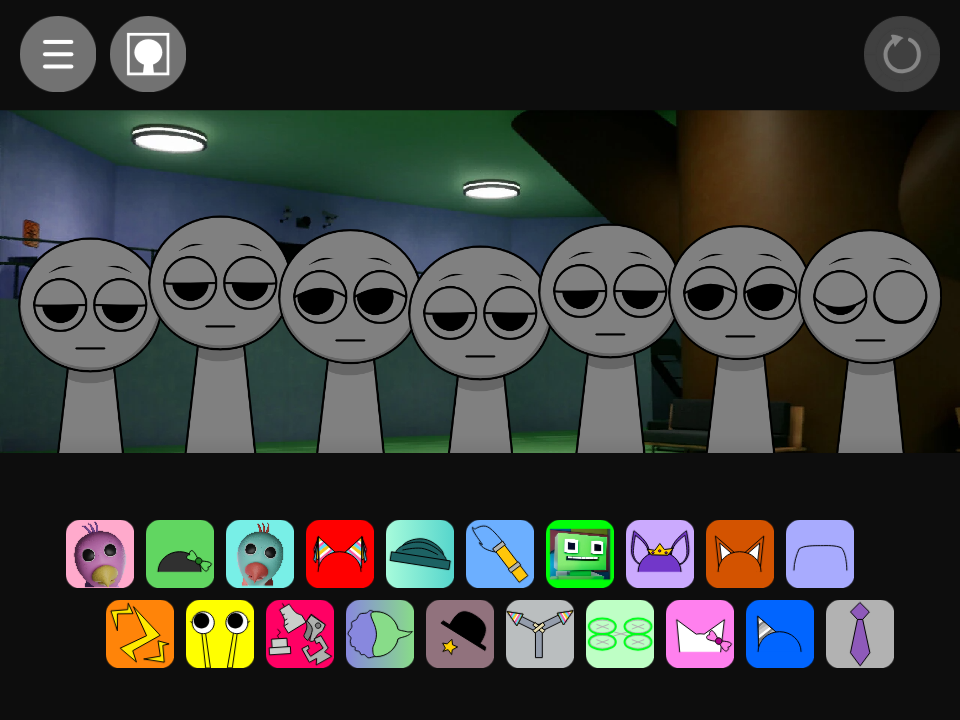
- Drag a sound icon from the bar at the bottom onto a character.
- Keep adding sounds: mix beats, effects, melodies and voices.
- Click a character to mute or solo them.
- Find the right combinations to unlock hidden bonus animations.
Features
- Bright, friendly character designs
- Cheerful loops with no scary surprises
- Simple controls that kids can learn in seconds
- Free to play in your browser on PC, tablet and phone
Tips for a Great Mix
- Start with a beat, then add one melody at a time so the mix doesn’t get muddy.
- Click a character to mute it and hear how each part fits the song.
- Use headphones to catch every layer and detail.
- Try different combinations to unlock hidden bonus animations.
FAQ
Is Sprunki Fall Edition free to play?
Yes. Sprunki Fall Edition runs free in your browser, with no download or sign-up needed.
Can I play Sprunki Fall Edition on my phone?
Yes. It works in modern mobile browsers. Turn your phone sideways and use headphones for the best experience.
Is Sprunki Fall Edition scary?
No. Sprunki Fall Edition is designed to be light and friendly, so it’s a good choice for younger players.
Is Sprunki Fall Edition an official game?
No. It’s a fan-made mod. Incredibox is created by So Far So Good, and Sprunki is a fan mod by NyankoBfLol. We’re not affiliated with any of them; all credit goes to the original creators.
The game won’t load or has no sound. What should I do?
Refresh the page, make sure your device isn’t on silent, and click once on the game area, since browsers block audio until you interact with the page.